Smart Contact Tag vs AirTag: Which Fits Best?
By ContactMeTag · · 7 min read
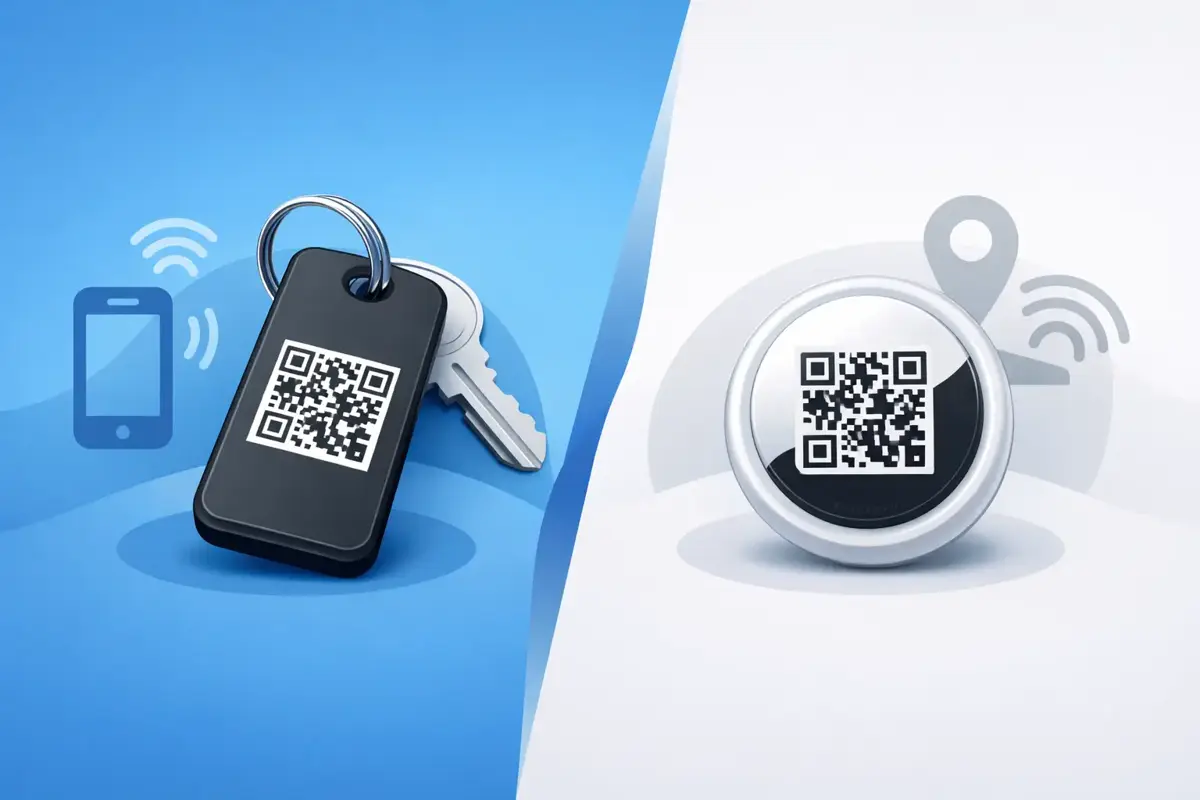
You usually realise what matters most about a tag at the worst possible moment. Your bag does not arrive at baggage claim. Your child’s school bag gets left behind. A cyclist comes off their bike and can’t explain who to call. That’s where the smart contact tag vs airtag question becomes more than a tech comparison. It becomes a safety decision.
Both products aim to help when something goes missing, but they solve very different problems. One is built mainly to help you locate your own item through a device network. The other is built to help another person contact you quickly when they find your item, your pet, your vehicle or even you. If you are choosing for real-world Australian use, that difference matters.
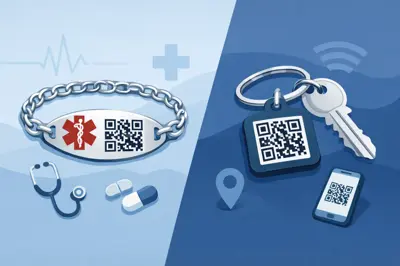
Smart contact tag vs AirTag: the core difference
An AirTag is a location tracker. It works best inside Apple’s ecosystem and is designed to help the owner find an item using Apple’s Find My network. If you leave your keys at a mate’s place or misplace your luggage, it can help you see where the tag is, depending on nearby Apple devices.
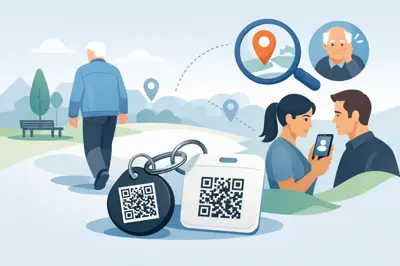
A smart contact tag works differently. It gives the finder or responder an instant way to reach you or your emergency contacts by scanning a QR code. There is no need for them to install an app, create an account or borrow the right kind of mobile. The goal is not just tracking. The goal is communication.
That distinction changes everything in an emergency. If you are unconscious after a crash, knowing your helmet is nearby does not help much. Giving a bystander a fast way to contact the right person does.
When AirTag works well
AirTag is useful for personal item tracking, especially if you already use an iPhone, iPad and Mac. It is a strong option for people who often misplace everyday belongings around the house, in the car or at work. You can make the tag play a sound, view the last known location and in some cases use precision finding.
For tech-confident Apple users, that can be genuinely handy. Slip one into luggage, attach one to keys or tuck one into a camera bag and you have a practical way to check whether the item is nearby or left behind.
But there are trade-offs. AirTag relies on Apple infrastructure and nearby Apple devices for broader location updates. Android users do not get the same experience. More importantly, the person who finds your item is not guided into contacting you in a direct, simple way. AirTag can display a message if the finder has NFC and knows to tap it, but that is not the main behaviour most people understand or expect.
Where a smart contact tag pulls ahead
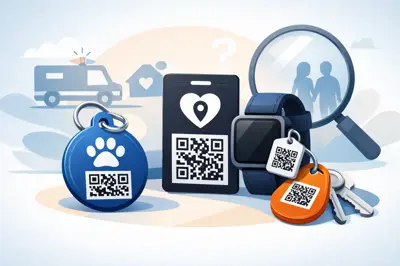
A smart contact tag is built for the moment someone else needs to act. They scan the QR code, reach the owner or nominated contacts and move the situation forward fast. That is a big advantage for lost property, child safety, pet identification, medical incidents and vehicle-related emergencies.
Think about a wallet left at a café. With a smart contact tag, the staff member scans and contacts the owner without seeing a personal mobile number. Or imagine a dog slips a lead at the park. A passer-by scans the tag and the owner gets contacted straight away. No app. No guessing. No waiting for the right device network to update.
That same logic applies in more serious moments. A tag on a helmet, bike, car, caravan or keyring can help a stranger, neighbour or first responder reach someone who needs to know what has happened. When you can’t speak, your tag does the talking.
Privacy is not a side issue
For many families, privacy is where the choice becomes clear. AirTag is designed around device tracking. A smart contact tag is designed around secure contact routing. Those are not the same thing.
With a smart contact tag, your private number does not need to sit in plain sight on a printed label. That matters on a school bag, at a holiday home, on a pet collar or attached to luggage moving through busy public places. The finder gets a way to contact you, but your personal details stay protected.
That balance is one of the most practical features of QR-based contact tags. You stay reachable without making your contact details public. For parents, carers and travellers, that is not a nice extra. It is often the reason to choose this kind of system in the first place.
Smart contact tag vs AirTag for emergencies
This is the section most people skip until they need it. It is also the most important.
AirTag is not an emergency contact tool. It was not built to store visible emergency instructions or to guide a stranger through urgent next steps. It helps the owner locate belongings. That is useful, but it is not the same as helping someone else reach your emergency contact at the roadside, on a trail, outside a school or during a medical event.
A smart contact tag is far better suited to emergency-ready use. On a motorbike helmet, for example, it can help bystanders identify who to contact. On a car or ute, it can help someone reach the owner if there has been a bump in a car park or a more serious incident. On a child’s bag or wearable item, it can give school staff or a member of the public a direct path to the parent or carer.
For older Australians, people living with dementia or those managing allergies or medical conditions, that quick scan-to-contact path can be far more useful than location tracking alone. In these situations, communication beats tracking every time.
Ease of use for the person who finds it
The best safety product is the one people can actually use under pressure. This is where many smart contact tags have a practical edge.
Most people now know how to scan a QR code with their mobile camera. It is familiar, fast and does not depend on them owning a specific brand of phone. If they can point a camera and tap a prompt, they can start helping.
With an AirTag, the finder may not know what it is, how to interact with it or whether their mobile supports the right action. Even if they do, the process is less obvious than a visible QR code with a clear purpose. In a calm setting, that might be fine. In a stressful one, simple wins.
Which one is better for lost items?
It depends on how the item is likely to be recovered.
If your main problem is misplacing things yourself, AirTag can be very effective. It is particularly good for keys, bags and gear you tend to leave behind and then search for personally.
If your item is more likely to be found by someone else, a smart contact tag is often the better fit. Luggage, wallets, school bags, pet tags, laptops and property access tags all benefit from immediate finder-to-owner communication. The quicker the finder can reach you, the better your chances of getting the item back without delay.
For many households, this is not an either-or decision across every item. It is about matching the tool to the risk. Tracking is helpful. Being contactable is critical.
Cost, setup and day-to-day practicality
AirTag requires Apple hardware to deliver its best features. If your household is mixed, with Android users as well as iPhone users, the experience is less straightforward.
A smart contact tag is generally simpler to set up for broader household use. You activate it online, add your preferred contacts and attach it where it matters. Once it is live, anyone with a mobile camera can use it. That broad compatibility makes it a practical choice for families, grandparents, carers, school-aged kids and shared vehicles.
It also suits people who do not want another app to manage. In everyday life, fewer steps means a better chance the system will actually be kept up to date and used properly.
The right choice depends on the moment you are planning for
If the moment you are planning for is, “Where did I leave my keys?”, AirTag makes sense.
If the moment is, “How can someone reach me or my emergency contact fast if they find this item, this pet, this vehicle or this person?”, a smart contact tag is the stronger option.
That is why many safety-conscious Australians lean towards QR contact solutions for the things that matter most. They are not just buying a tag. They are setting up a clear next step for the person who scans it. Businesses like ContactMeTag have built that idea around privacy, durability and real emergency use, which is exactly where this category proves its value.
Choose the tag that matches the problem you actually need solved, not just the one with the most familiar name. In the moments that count, being found is helpful, but being reachable is what gets things moving.