A stolen or lost laptop is one of those moments where you instantly realise how much of your life lives on that device. Your work, your photos, your access to email, banking, and identity. The Laptop Tag from ContactMeTag is a tiny sticker that makes one big thing possible: an honest finder can return your device to you without any back-and-forth, without exposing your phone number, and without you having to file a report and hope.
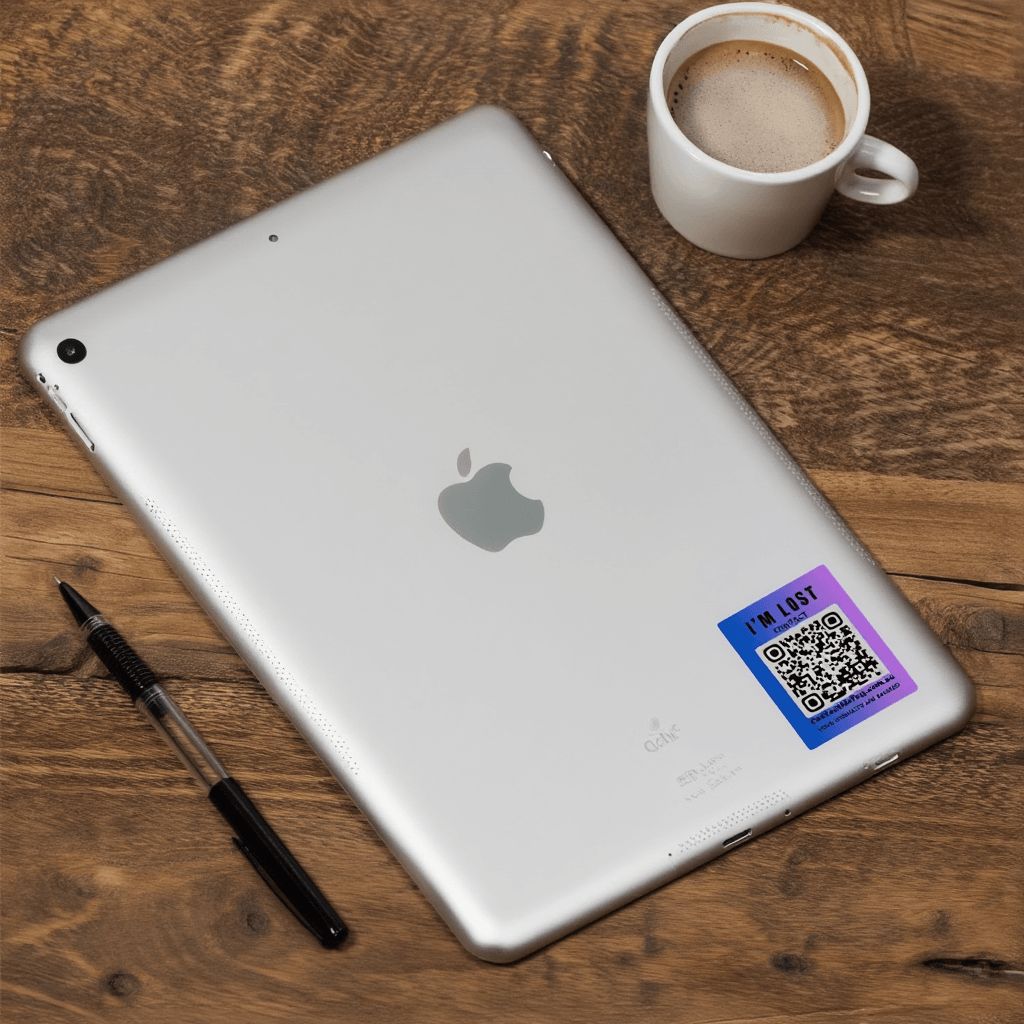
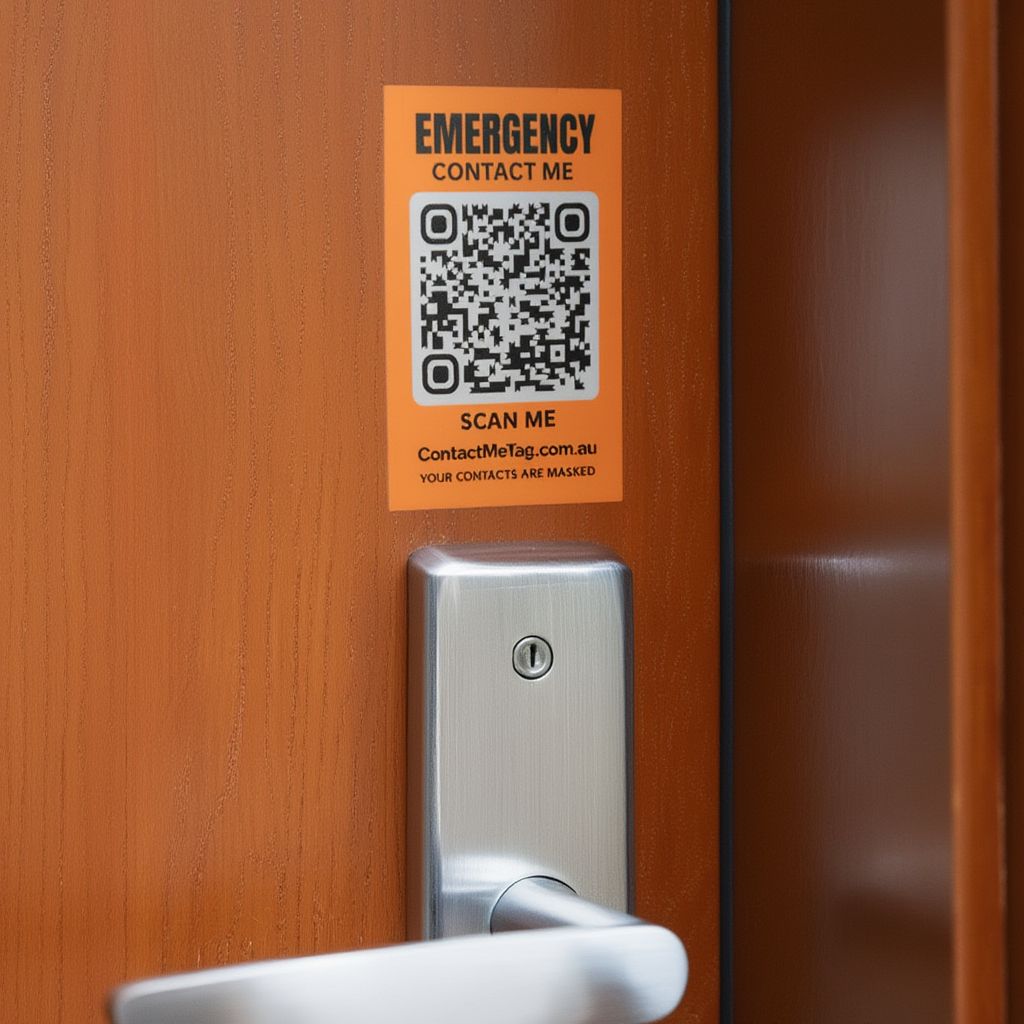
The Laptop Tag is a compact 30mm × 40mm QR code sticker that adheres to your laptop lid, tablet back, DSLR camera body, or any portable device. If you forget it at a café or leave it on the train, anyone who finds it can scan the code and message or call you immediately.
1
Amount Payable$6.00
Shipping CostFree
Designed & Made in Australia
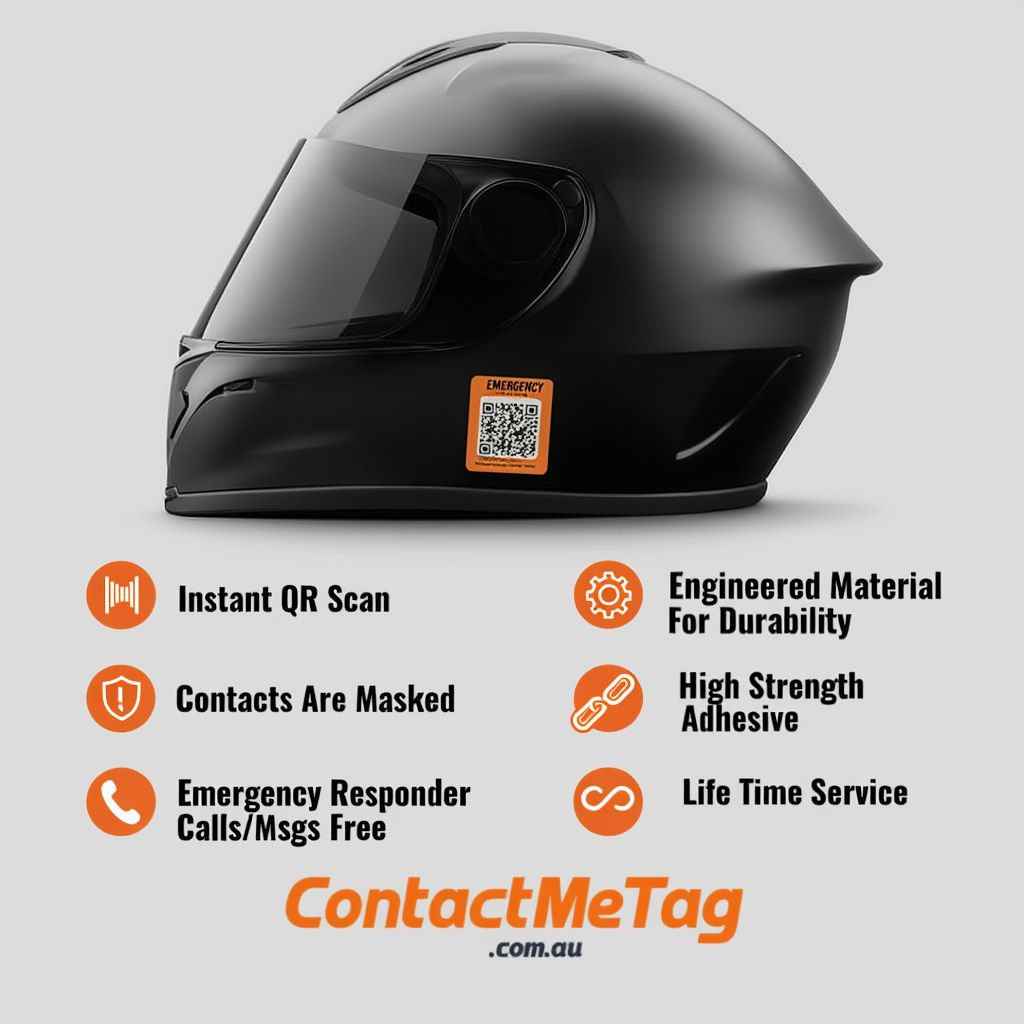
Contacts Masked
No App Required
Free Calls & Messaging
Free Shipping on all orders
Lifetime Service Guarantee
Product Features
✓Compact adhesive sticker format
✓Scannable with any smartphone camera
✓Designed for everyday laptop use
✓Manage QR Code Contacts online via app
✓Life Time Service
Who the Laptop QR Tag is for
→University and TAFE students
→Remote and hybrid workers (6.7 million Australians work from home at least sometimes)
→Digital nomads, freelancers, and consultants
→Photographers and content creators
→Anyone who carries valuable tech to coffee shops, libraries, or coworking spaces
How it works
01
Order your Laptop Tag — receive within 5-7 business days
02
Activate online and add up to two contacts
03
Peel and adhere to your laptop lid, tablet, or camera body
04
If lost, the finder scans and either calls you for free or sends a pre-written message
Product specifications
Size30mm × 40mm
MaterialWeatherproof vinyl with UV-stable inks
AdhesiveHigh-strength, removable
ManufactureriStick
DurabilityDesigned for daily backpack use and 5+ years
ServiceLifetime online contact management
Why ContactMeTag
Designed and manufactured in Australia. Phone numbers stay masked — finders see a call button, not your number. No app required. No battery. No subscription.
For setup help, see our FAQ or activate your tag.