QR Tag vs AirTag: Which Works Better?
By ContactMeTag · · 6 min read
You notice your bag is gone after boarding call. Or your child’s school bag is left behind at sport. Or a rider comes off their bike and can’t answer questions. In each of these moments, the qr tag vs airtag question stops being about gadgets and starts being about one thing - how fast someone can reach the right person.
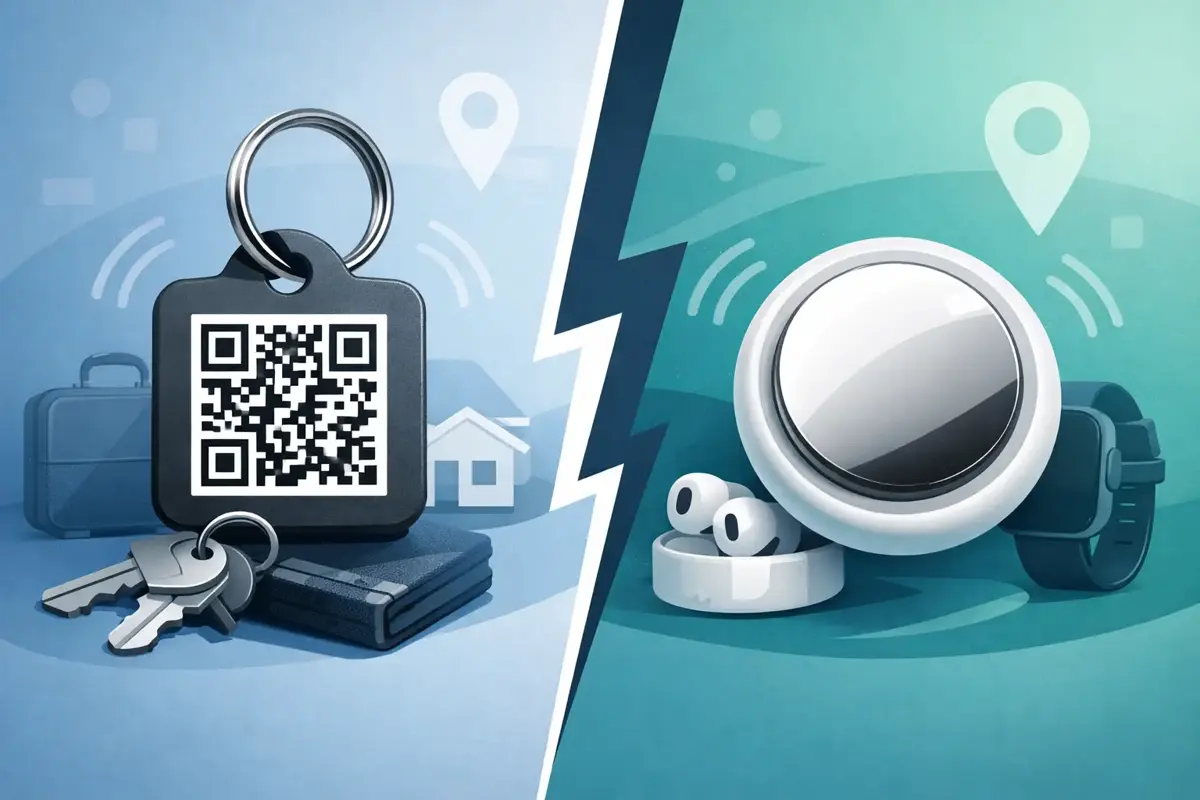
That’s the real difference. An AirTag is built to help locate items through Apple’s Find My network. A QR tag is built to help a real person make contact straight away. Both can help in the right situation, but they solve different problems, and that matters when time, privacy and simplicity are on the line.
QR tag vs AirTag: what each one is actually for
An AirTag is a small Bluetooth tracker designed mainly for lost property. It pings nearby Apple devices, which can help update its location in the Find My network. If your keys are under the couch, or your luggage is somewhere in the airport system, that can be useful.
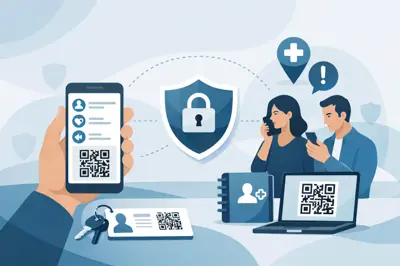
A QR tag works differently. Someone scans the visible code with their mobile camera and is taken to a contact page. From there, they can call or message the owner or nominated emergency contacts without needing an app and without seeing private phone numbers. It doesn’t rely on nearby Apple users. It relies on the person who has found the item, or the person responding in an emergency, being able to act immediately.
That makes a QR tag less of a tracking tool and more of a communication tool. For many safety situations, communication is the missing piece.
The biggest difference is what happens next
If you lose a wallet, a school bag or a helmet, location is helpful. But often the quickest path to recovery is not a map pin. It’s the finder being able to contact you on the spot.
Picture a backpack left at a café. An AirTag may show the bag is still there, or that it moved later. But the staff member holding it still can’t easily contact the owner. A QR tag lets them scan and reach you in seconds.
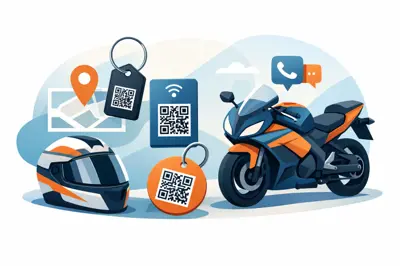
Now think about a motorbike helmet after an accident. An AirTag can’t tell first responders who to call, whether there’s a medical issue, or who needs to know. A QR tag can.
This is where the qr tag vs airtag comparison becomes clear. One tells you where something might be. The other helps someone do something useful right now.
When AirTag is the better fit
AirTag has clear strengths, and it’s worth being honest about them.
If your main concern is locating personal belongings within the Apple ecosystem, AirTag can be a strong option. It is especially handy for items that go missing in familiar places, such as keys, bags and luggage. If you use an iPhone and want to check the rough location of an item from your own device, AirTag does that well.
It can also be helpful if the lost item is moving through places with plenty of Apple devices nearby. Airports, city centres and busy public areas can improve the odds of location updates.
But there are trade-offs. AirTag is best for Apple users. It depends on the Find My network. It also doesn’t give a stranger an easy way to contact you unless they know how to access its lost mode information and choose to engage with it.
When a QR tag is the better fit
A QR tag shines when the person who finds the item, or the person helping in an emergency, needs a simple next step.
That’s why QR tags make sense for more than keys and luggage. They fit school bags, helmets, bikes, pet collars, wallets, laptops, vehicles, aged care situations and homes. In many of these cases, the issue is not just recovery. It’s fast contact without exposing personal details.
A practical QR tag platform gives the scanner an instant action path. They scan, they see the contact options, and they can call or message the right person without downloading anything. That low-friction design matters because in the real world, people won’t jump through hoops to help.
It also matters in emergencies where the owner cannot speak. If a rider is unconscious, if a child is lost, or if an elderly person is disoriented, the best system is the one that helps another person take action without delay.
Privacy in the QR tag vs AirTag decision
Privacy is where many Australians start paying closer attention.
AirTag has raised well-known concerns around unwanted tracking. Apple has introduced safeguards, but the device is still fundamentally a location tracker. That can be useful for property. It also means the conversation around misuse is always part of the product.
A QR tag is different by design. It does not passively track a person’s live location. It waits for a deliberate scan. And if the service is built properly, it can protect privacy by masking contact details while still allowing calls and messages to go through.
That’s a far better fit for families, carers and anyone who wants to be reachable in an urgent situation without printing their mobile number on a tag for the public to see.
What works better in an emergency?
For emergencies, this is not a close contest.
An AirTag is not an emergency contact tool. It does not present a clear, visible call-to-action for first responders or bystanders. It does not tell them who to ring when every minute counts. It is designed for finding objects, not assisting people.
A QR tag can be attached to a helmet, vehicle, bag, wearable or keyring and act as an immediate bridge to emergency contacts. That changes the outcome in the moments that matter most. Someone scans, the right person is alerted, and help starts moving faster.
For medical needs, child safety, dementia care and riding gear, direct contact beats delayed discovery every time.
Do you need an app?
This is one of the most practical differences.
AirTag works through Apple’s ecosystem. If you are not using Apple devices, the experience is limited. The person who owns the tag generally needs the Find My app environment to get full value.
A QR tag is usually app-free for the scanner. That’s a major advantage because it removes hesitation. Most people already know how to open their mobile camera and scan a code. There’s no setup required on their side, no account creation and no learning curve in the moment.
For everyday Australians, especially less tech-savvy users, that simplicity is not a minor detail. It is the feature that makes the whole system usable under pressure.
Cost, batteries and upkeep
AirTag has a battery and needs replacement power over time. It is an electronic device, so there is naturally more to manage.
A QR tag is typically simpler. No charging, no pairing, no Bluetooth and no battery to flatten at the worst time. Setup is done online, and after that the value sits in the tag’s ability to trigger contact whenever it’s scanned.
That simplicity suits busy households. You put it on the item that matters, activate it, and it’s ready when needed.
The best choice depends on the risk you’re trying to reduce
If your main problem is, “Where are my keys?”, an AirTag may be the right tool.
If your main problem is, “How does someone reach me, my partner, my child’s carer or emergency contact right now?”, a QR tag is the better answer.
For many people, this isn’t even an either-or choice. An AirTag can help with location. A QR tag can help with action. But if you have to choose one for helmets, school bags, pet tags, vehicles, wallets or emergency use, the option that enables immediate human contact often delivers more value in the real world.
That’s why products built around practical safety communication, such as ContactMeTag, fill a gap that trackers don’t. They are made for the moment when a stranger is willing to help and just needs a safe, simple way to do it.
The smartest safety tools are not always the ones with the most tech. They’re the ones that make the next step obvious when every scan counts.