How to Share Emergency Contacts Securely
By ContactMeTag · · 7 min read
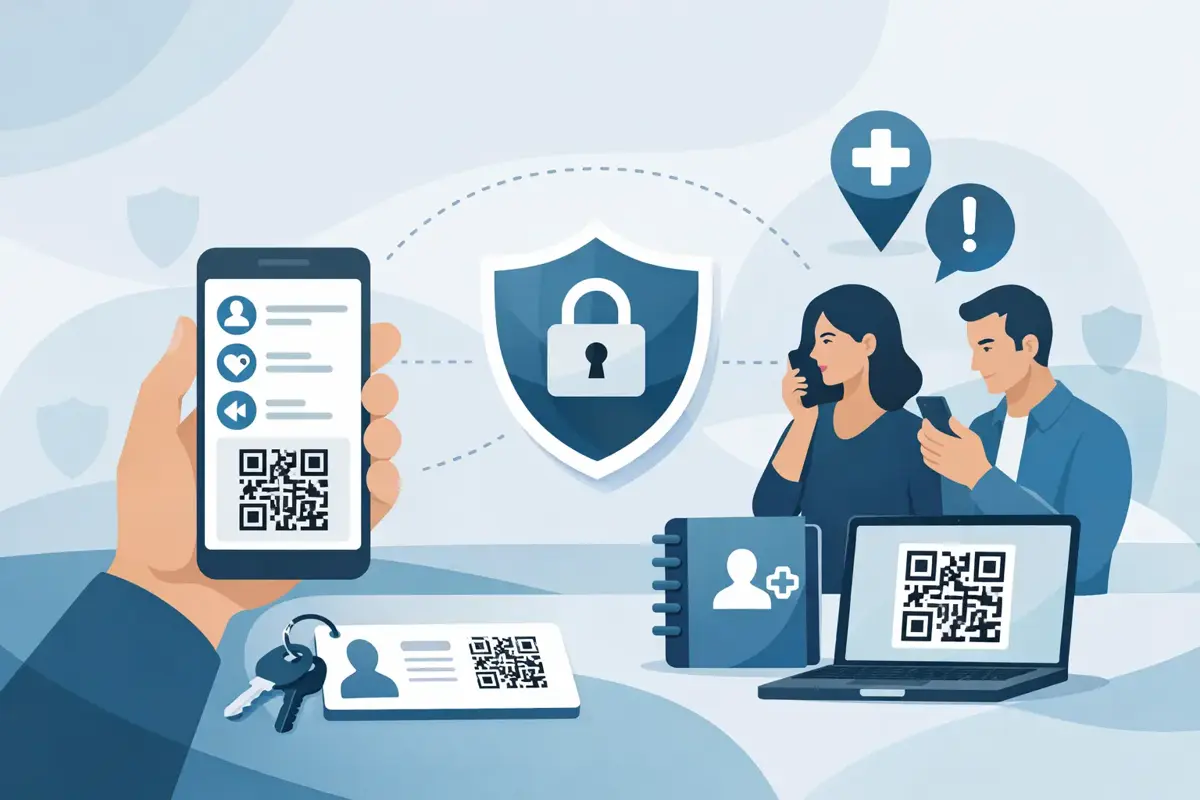
A paramedic, school office, airport staff member or good Samaritan does not need your whole address book. They need one thing fast - the right person, at the right moment, without delays or privacy risks. That is the real question behind how to share emergency contacts securely: how do you make contact details available in urgent situations without putting private information on show every day?
Many people still rely on handwritten cards, lock-screen notes or labels with a mobile number printed in plain sight. It feels practical until a wallet goes missing, a child’s bag is left behind, or a helmet is found after a crash. Suddenly, private details are sitting in public. Secure sharing is not just about storing contact information. It is about controlling who can access it, what they can see, and how quickly they can act when time matters.
What secure sharing actually means
If you are working out how to share emergency contacts securely, the goal is not to hide information so well that nobody can use it. The goal is to make the right information easy to reach in an emergency and hard to misuse the rest of the time.
That usually means avoiding full personal details on visible items. A bag tag with a name, address and direct mobile number might help one honest finder, but it also gives anyone else more than they need. The safer approach is selective access. Let someone trigger contact when needed, without handing over the contact details themselves.
This matters across everyday Australian life. A school bag left on the bus, keys dropped at the shops, a wandering pet, a bike crash on a quiet road, an older parent with dementia becoming disoriented - these are not rare edge cases. They are ordinary moments where quick contact matters and privacy still counts.
Why old methods fall short
Printed phone numbers are simple, but simplicity has a trade-off. Once a number is visible, you cannot control who saves it, shares it or uses it later. The same goes for address labels on luggage or emergency cards tucked into clear phone cases.
Mobile lock-screen medical IDs are useful in some situations, but they depend on the finder knowing where to look and having physical access to the phone. If the battery is flat, the phone is damaged, or the person needing help is not carrying it, that system stops there.
Even sending a group text with family emergency contacts is not always ideal. It is convenient, but it creates copies of sensitive details across multiple devices and message threads. If one account is compromised or one phone is lost, those contacts can spread far beyond your intended circle.
How to share emergency contacts securely in real life
The safest option is usually a layered one. Keep your core emergency details current, make them accessible in an urgent situation, and avoid displaying raw contact information in public.
Start by deciding who really needs to be reachable. Most people do not need five or six names attached to every item. In many cases, one primary contact and one backup is enough. For a child, that may be a parent and grandparent. For a motorcyclist, it may be a partner and a close mate nearby. For an older relative, it could be an adult child and a carer.
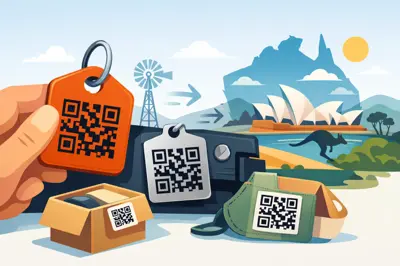
Next, think about where emergency access is needed. The answer changes depending on the scenario. A medical alert worn on the body is different from a QR tag on a vehicle, pet collar, school bag or keyring. The point is to match the contact method to the item or person most likely to be found when you cannot speak for yourself.
Then choose a method that masks the actual contact details. This is where digital contact-routing makes a real difference. Instead of printing a mobile number on the outside of a tag, a finder scans a code and reaches the owner or emergency contact through a protected system. They can call or message the right person without seeing the private number itself.
That changes the balance completely. The finder still gets immediate action. The family still gets the message. But your personal details are not exposed to every passer-by.
A better option than public labels
QR-based contact systems are practical because they remove friction. There is no guessing, no hoping someone will search through belongings, and no need for them to download an app. In a real emergency, fewer steps matter.
The strongest setups are privacy-first by design. That means the scanner can trigger contact instantly, while the account holder controls what information is shown and who receives alerts. If your circumstances change, you can update contacts online rather than replacing every physical tag.
That flexibility matters more than people think. Families change numbers. Kids move schools. Travellers switch itineraries. Carers rotate. Holiday homes get new local contacts. A secure system should be easy to update, because outdated emergency details can be nearly as risky as having none at all.
When visible information is still useful
There are times when some visible information helps. Medical conditions such as severe allergies may need a clear prompt. A pet tag may need the pet’s name. A child’s school item might benefit from a first name. But the rule is still the same: show only what is necessary.
A good test is this - if the item fell into the wrong hands, would the visible information create a privacy problem? If the answer is yes, trim it back. Full names, home addresses, personal email addresses and direct mobile numbers are rarely necessary on the outside of anything.
Common mistakes people make
One of the biggest mistakes is assuming emergency contact sharing is a set-and-forget task. It is not. If your nominated contact is overseas, often out of reception, or no longer the right person to call, your setup needs work.
Another mistake is relying on one channel only. If the only method is a printed number and the item is damaged, soaked or unreadable, contact fails. If the only method is inside a locked phone, access fails. Practical safety usually comes from having one dependable public trigger and updated contacts behind it.
People also tend to over-share. More data does not equal more safety. In most situations, responders or finders do not need your date of birth, full address or secondary email. They need a fast path to someone responsible.
Secure sharing for families, travel and everyday carry
For families, the best systems are the ones that work under stress. A school-aged child is not going to explain a complex setup to a stranger. A clear QR tag on a bag, hat or jacket can do the speaking when the child cannot.
For travellers, luggage and passports wallets are obvious cases, but think broader. A laptop bag, camera case or set of keys can derail a trip just as quickly if misplaced. Public contact details on travel gear can create risk while you are away from home. Protected contact-routing is safer and cleaner.
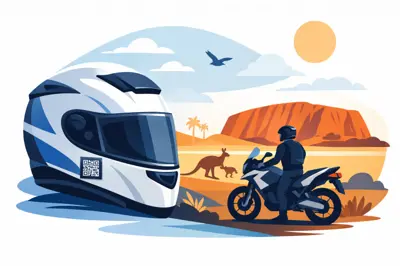
For drivers, riders and cyclists, emergency contact access should be attached to the gear or vehicle likely to be found first. A tag on a helmet, bike or car window can help bystanders or responders reach the right person quickly without exposing your private number to everyone in the car park.
For older Australians or people managing medical conditions, secure sharing has to balance dignity, privacy and speed. The right system should help someone make contact in moments of confusion or crisis without requiring the person to remember passwords, apps or instructions.
What to look for in a secure solution
If you are comparing options, look for three essentials: privacy protection, no-fuss access and easy updates. If a finder has to jump through hoops, they may not bother. If your direct number is exposed, privacy is weak. If changing contacts is difficult, the information will go stale.
It also helps to choose something durable enough for real use. Emergency tools live on helmets, bags, collars, windows and keyrings. They get wet, hot, scratched and knocked around. A secure system is only useful if the tag itself stays readable when life gets messy.
This is where products built around both a physical tag and a digital platform tend to work well. The physical item creates the immediate action point. The digital layer keeps the private details protected and current. ContactMeTag is one example of that model, built for everyday Australian use where speed matters but privacy still has to hold up.
The simplest rule to follow
If you can read your own private mobile number, address and personal details from the outside of an item, so can everyone else. That is usually your sign that the setup needs improving.
A secure emergency contact system should let a stranger do one useful thing and nothing more: get the right person on the line fast. That is enough to help return a lost item, reach family after a crash, support a confused loved one or protect a pet that has slipped away.
When you cannot speak, your emergency contact setup should. Keep it current, keep it easy, and keep your private details out of public view.