Privacy Safe Contact Sharing Guide for Families
By ContactMeTag · · 7 min read
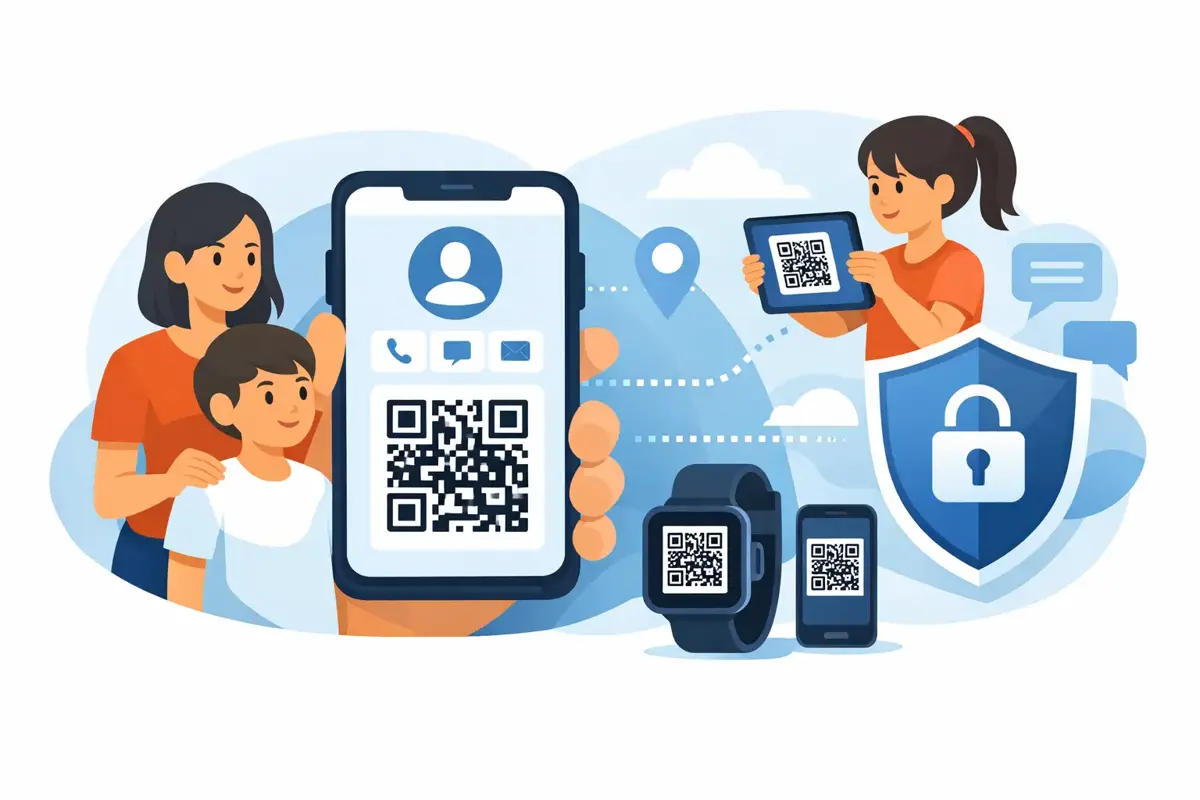
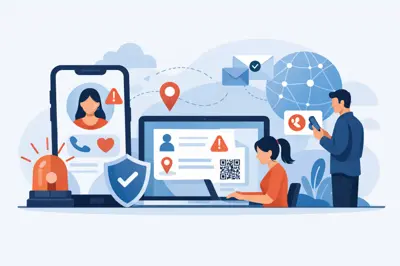
A stranger finds your wallet at a shopping centre. Your child is separated from you at a busy event. A motorcyclist is injured on a quiet road. In each moment, someone may be ready to help - but they need a safe, immediate way to reach the right person. This privacy safe contact sharing guide shows how to make that possible without printing your mobile number, home address or personal details where anyone can see them.
The goal is simple: make contact easy when it matters, while keeping control of your information every other day. A QR code tag can do this well when it is paired with privacy-first contact routing, current emergency contacts and a setup that has been checked before it is needed.
What privacy-safe contact sharing really means
Privacy-safe contact sharing is not about hiding every detail. It is about sharing only the information needed for the situation, with the people who need it, at the moment they need it.
For an emergency or lost-item situation, a helpful person usually does not need your full name, private mobile number, address, date of birth or social media profile. They need a clear way to alert you, call you or send a message. A privacy-first QR tag gives them that route without putting your details in public view.
This is different from writing a phone number on a school bag, luggage tag or helmet. A printed number can be photographed, copied, called repeatedly or saved long after the bag, vehicle or item has been returned. Once it is public, you cannot easily take it back.
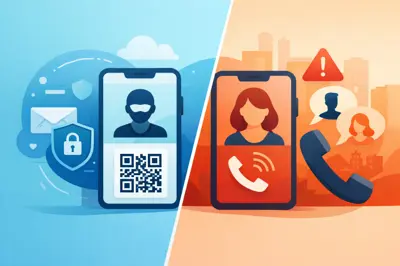
A properly designed contact-routing system keeps the personal number masked. The scanner can make contact, but they do not receive the number itself. That distinction matters for children, travellers, older Australians, pet owners and anyone who wants help available without inviting unwanted contact.
The privacy safe contact sharing guide: start with the real risk
Choose the contact method based on what could realistically happen. The right information for a suitcase is not always the right information for a medical alert tag or a vehicle sticker.
For everyday belongings, the main risk is loss. A finder needs to quickly say, “I have your keys” or “Your laptop was left at the café.” For a vehicle or helmet, the concern may be an accident, breakdown or urgent welfare check. For a child, a person living with dementia or someone with a serious allergy, the need may be immediate communication with a parent, carer or nominated emergency contact.
Think about the first person likely to scan the code. They could be a Good Samaritan, a teacher, a neighbour, a shop employee, airport staff or an emergency responder. They should not need to download an app, create an account or work through complicated instructions. A scan should lead to a clear action: call, message or notify the appropriate person.
The trade-off is worth recognising. The less information a scanner can see, the better your privacy protection. But if you hide every useful detail, a person may not know how urgent the situation is. Keep public-facing information brief and purposeful. For example, an allergy or medical note may be appropriate where it could change immediate care, while a full medical history is not.
Use nominated contacts, not just one person
A single contact can create a single point of failure. Your mobile may be flat, you may be on a flight, working in a noisy environment or dealing with the emergency yourself. For high-risk situations, set up more than one nominated contact.
A parent might nominate the other parent and a trusted grandparent for a child’s wearable tag. A motorcyclist might choose their partner and a close mate who knows their usual riding routes. A traveller could include a person at home and a companion travelling with them. The best mix depends on who is likely to answer and act quickly.
Choose people who have agreed to take the call. Let them know what the tag is attached to, what information they may receive and what you expect them to do. A contact who does not recognise the alert, or assumes it is spam, is not much help during a stressful moment.
It is also smart to review whether every contact needs the same level of access. A finder of a misplaced bag may only need to send a return message. An emergency contact may need a direct call option. Give each person only the role they genuinely need.
Keep your contact details current
Your system is only as useful as the details behind it. Update your contacts after a new mobile number, a change in family circumstances, a move interstate or a change in carer arrangements. Check the setup before school holidays, a long road trip, overseas travel or a major event where family members may be separated.
This takes minutes, but it prevents the most frustrating outcome: a helpful person scans the code and reaches a disconnected number or someone who no longer knows what to do.
Put the tag where help can find it
A QR code cannot help if it is hidden in the bottom of a backpack or buried under a phone case that has come off. Placement should be obvious, durable and appropriate for the item.
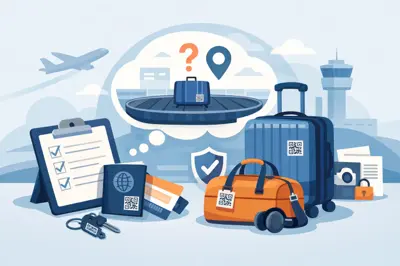
For a vehicle, use a weatherproof tag in a visible location where a person can scan safely when the vehicle is stationary. For a helmet, place it on the outside where it remains visible after a fall. For luggage, attach it where airline staff or a finder can spot it without opening the bag. A wallet or keychain tag should be easy to see when the item is found, while a child’s tag should be attached securely and explained to the child in calm, simple language.
Avoid placing QR tags where scanning would put someone at risk, such as near moving traffic or in a position that requires a person to lean into an unsafe area. The aim is fast communication, not a clever hiding spot.
Durability matters as well. Heat, rain, salt air, dust and everyday knocks can quickly damage low-quality labels. For outdoor gear, vehicles, pets and helmets, use a tag built to stay readable through real Australian conditions.
Make scanning feel safe for the person helping
People are increasingly cautious about scanning unknown QR codes, and that is reasonable. Make the purpose of the tag clear with plain wording such as “Emergency Contact”, “If Found” or “Scan to Contact Owner”. A finder is more likely to scan when they understand exactly why the code is there.
The page after the scan should also be clear. It should explain that the person can contact the owner or nominated contact without exposing private numbers. Confusing pages, unnecessary forms and requests for the finder’s private details can cause them to stop before making contact.
ContactMeTag is designed around this practical moment: a person scans a physical tag, chooses a contact action and reaches the right person without needing an app or seeing the private number behind the service. Calls and messages are free for the scanner, removing one more reason for a helpful person to hesitate.
Test your setup before the emergency
Do not wait for a lost bag or roadside incident to find out whether your contact method works. Scan every new tag with your own mobile and ask a family member to try it too. Test both Wi-Fi and mobile data if possible.
Check that the QR code is easy to scan, the wording makes sense and the right contact receives the call or message. Confirm that the message identifies what has been found or where the emergency tag is located. If you use several tags, label them clearly in your account so you can tell whether the scan came from your ute, pet collar, suitcase or child’s bag.
Testing also helps you spot practical problems. A tag may be placed where glare affects scanning, covered by a bag strap or difficult to access in a vehicle. Fixing that on a quiet Sunday afternoon is far better than relying on luck later.
Avoid these common privacy mistakes
The most common mistake is treating contact information as harmless because it is familiar. A mobile number may seem ordinary, but when it is displayed on a bag, a car window or a child’s belongings, it can travel far beyond the intended audience.
Avoid using your full address as an item return label. A finder can arrange contact first, then you can choose a safe collection point or provide delivery instructions. Do not include children’s full names, school details, daily routines or medical information that is not necessary for immediate safety.
Be careful with shared devices too. If several family members manage tags through one online account, use a strong, unique password and keep account access limited to trusted adults. Privacy is not only about what a stranger sees after scanning. It is also about who can edit the contacts and information behind the code.
Finally, remember that no tag replaces emergency services. If there is immediate danger, serious injury or a life-threatening medical situation, call Triple Zero (000). A QR contact tag helps responders and bystanders connect the right people faster, but it should sit alongside sensible emergency planning.
A small tag can carry a big responsibility. Set it up thoughtfully, keep it current and place it where someone can act on it. When you cannot speak, are not nearby or simply do not know an item has been found, a safe path to the right person can make every scan count.