Online Emergency Contact Setup That Works Fast
By ContactMeTag · · 8 min read
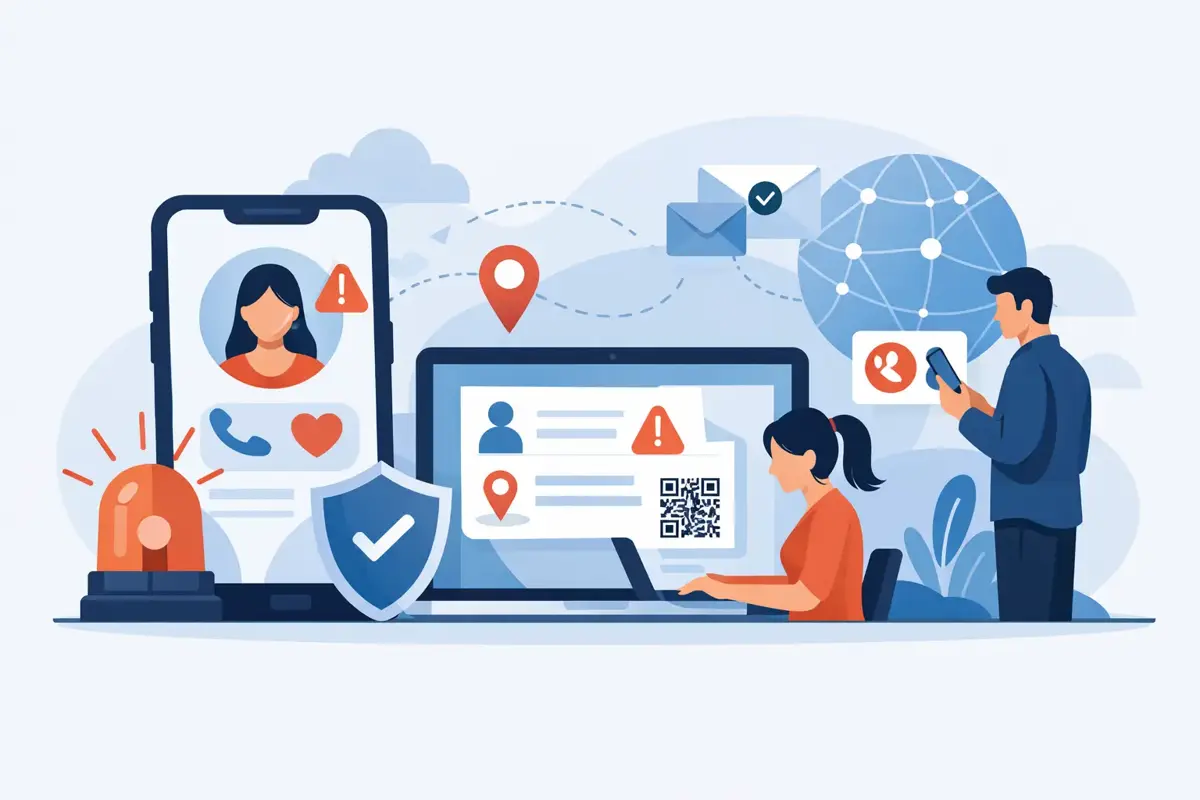
A roadside helper should not have to search through a damaged vehicle for a mobile number. A parent should not have to hope a lost school bag makes its way back. And if you cannot speak during a medical event, the person beside you needs a clear way to reach someone who can help. An online emergency contact setup turns that uncertain moment into a simple action: scan a QR code, choose how to get in touch, and connect with the right person.
The best setup is not about adding more technology to your life. It is about making vital contact details available when they matter, without printing your private mobile number on a helmet, keyring, wallet or car window.
Why a contact setup needs to work under pressure
Emergencies and everyday mishaps are rarely neat. A driver may be shaken after a crash. A cyclist may be unable to answer their mobile. A traveller may only realise their luggage is missing after the airport. A Good Samaritan who finds a wandering pet or a child’s misplaced bag has only a few moments to decide what to do next.
In those moments, friction is the problem. A paper note can get wet, fade or be overlooked. A mobile locked with a passcode may not reveal who to call. Writing a personal number on an item makes it visible to anyone who sees it, not just the person trying to help.
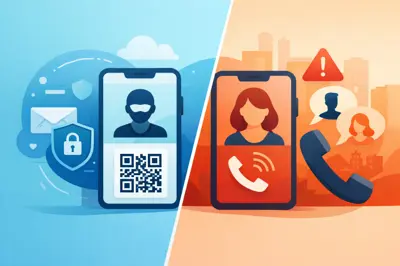
A QR contact tag provides a more practical middle ground. The code can direct a scanner to a contact page where they can call or send a message to the owner or nominated emergency contacts. With a privacy-first system, the scanner does not need an app, and your actual number can remain masked.
That difference matters. You want people to be able to act immediately, but you also want control over what personal information is shared in public.
How to complete an online emergency contact setup
The setup itself should take minutes, but the choices behind it deserve a little thought. Your tag is only as useful as the contact details and instructions attached to it.
Start with the situation the tag is protecting against
Before entering any details, decide what the tag is for. A QR tag on a motorbike helmet may need to help emergency responders reach a partner or family member. A tag on luggage is mainly for return and recovery. A tag on a holiday-home gate may need to guide a visitor, neighbour or tradesperson to the right contact.
One household can use different tags for different purposes. That is often safer than giving every item the same contact profile. A child’s school bag, for example, may use parent contacts. A vehicle tag may include a spouse and another trusted person who can make decisions if the driver is unavailable.
Activate the code and create a clear profile
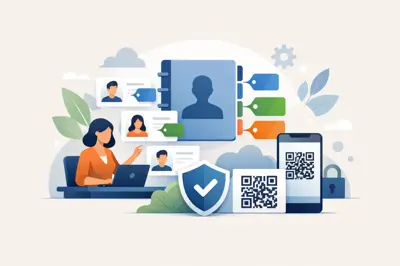
Use the unique code on your tag to access its online setup page. You will typically create an account or sign in, then assign the tag a recognisable name such as “Blue Corolla”, “Mia’s school bag” or “Carry-on suitcase”. Clear names make future updates far easier, especially when your household has several tags.
Add the owner’s name only where it genuinely helps the finder. For a wallet or pet tag, a first name can make the interaction feel more personal. For a vehicle or home-access tag, the key detail may be the contact route rather than the owner’s full identity.
Keep the information practical. A person scanning should quickly understand what they have found and what action is appropriate.
Choose emergency contacts who will answer
The first contact should be someone likely to answer an unfamiliar call or message. That sounds obvious, but many people choose the closest relative without considering work shifts, travel, poor reception or whether that person feels comfortable handling an emergency.
Add at least one backup contact where the platform allows it. Ideally, choose people in different locations or routines. If both contacts work together, travel together or are likely to be asleep at the same time, a single disruption could leave a helper without a response.
Tell each nominated person they have been listed. Explain what kind of tag they may receive a call about and ask them to save the service details if relevant. An unexpected message about a lost bag or roadside incident is much easier to respond to when they know it is legitimate.
Add instructions only when they improve the outcome
A short note can be valuable, particularly for medical, care and property scenarios. It may tell a helper that the person has a condition, that a pet needs urgent collection, or that the property contact can assist with access. Keep the wording calm and action-focused.
Avoid putting sensitive medical history, home alarm details, account information or anything that could create a security risk into a publicly scanned profile. The purpose is to make contact, not publish a full personal record. If more information is needed, your nominated contact can provide it once the situation is understood.
Test the scan before you rely on it
Scan the tag using a different mobile, ideally one that is not logged into your account. Check that the page loads quickly, the contact options are clear and the right people receive calls or messages as expected.
Testing also reveals practical issues. A tag may be placed where glare makes it harder to scan, or behind a thick mobile case that blocks access when it is attached to a device. Move it if needed. A QR code is most useful when a stranger can spot it and scan it without touching private belongings more than necessary.
Place the tag where help can find it
Placement is part of the safety plan. On a vehicle, choose a visible, weather-exposed position that does not interfere with registration plates, lights or safety equipment. For a helmet, place it on a clean, reasonably flat area where it can be seen without compromising the helmet’s function. On a bag, an external tag is usually more useful than one tucked inside a pocket.
For wallets, keys and laptops, visibility is a balance. You want a finder to notice the tag, but you may prefer a discreet location that does not advertise personal details. Because the code opens a digital contact route rather than displaying your number, you can keep the tag visible while protecting your privacy.
ContactMeTag’s weatherproof QR tags are designed for the places life happens: on vehicles, keyrings, bags, pet collars, helmets and home access points. Even so, check any tag periodically for dirt, scratches or lifting edges. A quick wipe and visual check can prevent a small maintenance issue becoming a failed scan when it counts.
Set up for real-life scenarios, not just worst-case events
Emergency contact planning is often associated with serious accidents, but its everyday value is broader. A tag can give a finder a fast route to return an item before it is handed to lost property. It can help a neighbour reach you when they notice an issue at an unattended property. It can help a carer reconnect with family if a person living with dementia becomes separated from their support network.
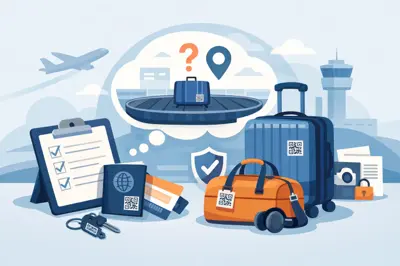
For parents, the key trade-off is independence versus privacy. A QR tag on a school bag or jacket can give a helpful adult a way to contact a parent, without teaching a child to carry a card showing addresses and mobile numbers. For travellers, a luggage tag can reduce the delay between an item being found and you being notified, while keeping your direct number off display.
For motorcyclists, cyclists and drivers, the priority is speed. If you are unable to make a call, a visible code can point a bystander towards the people who need to know. It is not a substitute for calling Triple Zero in a life-threatening emergency, providing medical identification, or following emergency services directions. It is an extra communication pathway when normal access to your mobile is difficult or impossible.
Keep the details current
Your setup is not a set-and-forget task. Review it after a change of mobile number, relationship, school, address, travel plans or medical support arrangements. It is also worth checking before a long road trip, overseas holiday or school term begins.
A simple habit works well: review all active tags twice a year, such as when daylight saving changes or at the start of summer and winter. Open each profile, confirm the contacts still answer, and scan the physical tag. If a tag has moved to a different item, rename it online so the profile still makes sense to a finder.
This is where an online system has an advantage over engraved numbers or printed cards. You can update the contact route without replacing the physical tag. The code stays with the item, while the information behind it can change as your life changes.
Common setup mistakes to avoid
The most common mistake is listing only one person. If they are driving, in a meeting, overseas or simply miss the call, the person trying to help may have nowhere to go. Another is adding too much detail. A finder needs a fast, clear contact option, not a long page to read under pressure.
Do not assume every mobile camera behaves identically either. Most current smartphones can scan QR codes through the camera, but testing with more than one device gives confidence. Finally, avoid placing a tag where it will be covered by a jacket, obscured by a strap, or exposed to constant abrasion that could damage the code.
The goal is simple: make the next right action obvious. When someone finds your belongings, sees an incident or needs to reach your trusted people, they should not need your password, an app download or your private number. They just need a working scan and someone ready to answer.
Take a few minutes to set up the tag before you need it. The quiet confidence of knowing a real person can be reached quickly is one of the most practical forms of preparedness you can carry every day.