How to Share Roadside Contacts Without Risk
By ContactMeTag · · 6 min read
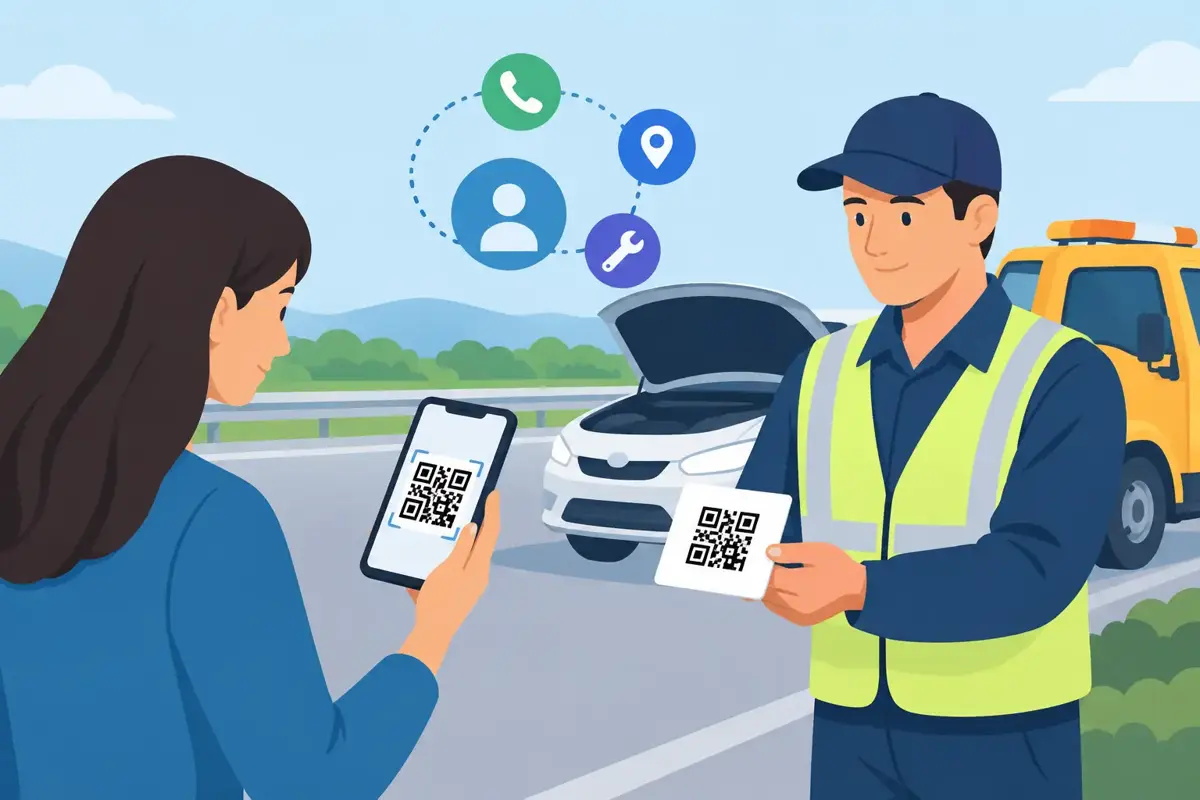
A crash on a country road, a breakdown on the motorway or a bike incident at an unfamiliar intersection can make it hard to speak, think clearly or unlock a mobile. Knowing how to share roadside contacts before anything happens gives the people around you a clear way to reach help, your family or your nominated emergency contact without putting your private number on public display.
The best roadside contact plan is simple enough for a stranger to use under pressure. It should work if your phone is flat, damaged or locked in the glovebox, and it should tell the right person what to do without asking a Good Samaritan to hunt through your personal information.
Start with the contacts who need to know
Roadside contacts are not just the first names in your mobile. They are the people or services who can take useful action if you are unable to do it yourself.
For most drivers, riders and cyclists, that means one or two trusted emergency contacts, plus roadside assistance or an insurer if relevant. A parent may also nominate a partner, grandparent or school contact. If you travel alone, choose someone who reliably answers calls and understands your usual routes, vehicle and medical needs.
Keep the list short. Five contacts can look thorough, but in an urgent situation too many choices slow people down. Start with a primary contact who is likely to answer, then a backup contact. Make sure both people have agreed to the role and know what information they may be asked to provide.
If you manage a medical condition, include only details that could immediately affect your care, such as severe allergies, diabetes, epilepsy or communication needs. Avoid sharing a full medical history or unnecessary personal details. The goal is fast, useful information, not an open file on your life.
How to share roadside contacts safely
The old approach is to place a handwritten emergency number on a card in the windscreen or store it as “ICE” in your phone. Both can help, but both have limits. A paper card can fade, become outdated or expose your number to anyone walking past your vehicle. An ICE contact is useful only if someone can access your phone and knows where to look.
A better approach is to use several layers, with a privacy-first QR contact tag as the visible roadside layer. When someone scans the code with their mobile camera, they can call or message you or your nominated contacts through a secure contact route. Your actual phone number does not need to be printed on your car, helmet or keyring.
This matters when your vehicle is parked in public, when your motorbike is left at a trailhead, or when your child is travelling with another family. You want a finder or helper to reach you quickly, but you do not want your personal number available to every passer-by.
A practical setup includes:
- a QR contact tag placed where it can be seen without opening the vehicle
- emergency contacts kept current in the tag profile
- emergency details saved on your locked mobile, where supported
- roadside assistance and insurer details stored in your wallet or vehicle documents
Each layer covers a different problem. Your locked mobile may help paramedics. Your wallet card may help after a minor incident. A visible QR tag helps when the person who needs to contact you cannot access either one.
Put contact details where a helper can find them
Location matters as much as the contact itself. A tag hidden in the boot is no help if your car is damaged or a finder is standing outside. Put it where a person can reasonably see and scan it while staying safe.
For a car or ute, suitable locations may include the inside of a side window, a rear window or another clearly visible area that does not block your view. Avoid placing anything over airbags, controls or registration labels. For a motorbike, use a weatherproof position that is visible when the bike is parked, such as a helmet, luggage case or an approved part of the bike that stays clean and accessible.
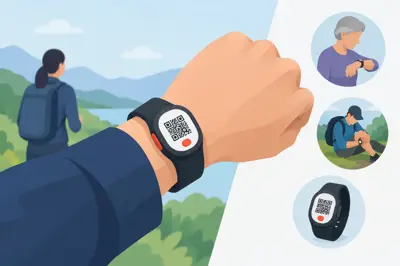
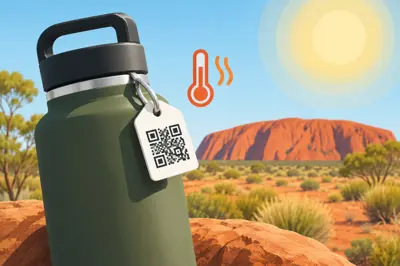
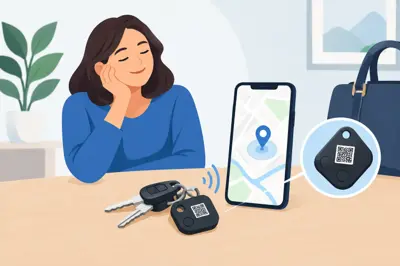
Cyclists can place contact access on a helmet, frame, bag or ID tag. If you are walking, hiking or travelling, a luggage tag, keychain or wallet tag creates the same direct path back to you or your contact person.
Think through the likely scenario. If your vehicle blocks a driveway, a neighbour needs a way to reach you. If your bike is found after a fall, a passer-by needs a way to alert your family. If your teenager is separated from the group during a road trip, their contact details should be available without relying on a dead battery or an app download.
Set up a QR roadside contact tag in minutes
A QR emergency tag is only useful if its information is accurate. With ContactMeTag, setup is completed online, so you can activate the tag and nominate the people who should be contacted without printing private numbers on the product.
Use the name your contacts will recognise. If your partner knows you as “Sam”, do not list a formal name they may hesitate over. Add a short, clear instruction such as “Please call my emergency contact if I cannot respond” where the profile allows it.
Before you fit the tag, test it with another person’s mobile. Ask them to scan it, then check that the contact route works, the right person receives the notification and the instructions make sense to somebody who has never seen the system. The scan should be quick, with no app required from the person trying to help.
Do this again after changing mobiles, moving house, changing your number or updating your emergency contacts. A tag can last for years, but a contact plan only works while the details behind it are current.
Tell your emergency contacts what to expect
Sharing roadside contacts is not only about putting information on a tag. It also means preparing the people who may receive the call.
Tell them they are your nominated contact and explain the situations in which they may be contacted. Give them a basic rundown of your vehicle, your regular travel areas and any important medical or access information. For example, they may need to know where you keep a spare key, which roadside assistance provider you use, or who should collect the children if you are delayed.
They should also know not to assume the worst. A scan could mean a lost set of keys, a car parked awkwardly, a concerned passer-by or a genuine emergency. Their first response should be calm and practical: establish where the item or person is, find out whether emergency services have been called, and take the next sensible step.
For households with several vehicles, give each vehicle its own clear contact setup. A shared family tag can be useful, but it can create confusion if the caller needs the person who was actually driving. It depends on how your household travels. A single-driver vehicle may suit a direct route to that driver and their backup contact, while a family car may be better routed to two adults.
Protect privacy while making contact easier
The trade-off with roadside contact details is obvious. The more visible they are, the easier they are for a helpful person to use. They can also be easier for the wrong person to misuse.
Avoid displaying your full name, home address, date of birth, private mobile number or detailed medical information on the outside of a vehicle or helmet. A QR code linked to masked calls and messages provides a safer balance: it keeps the contact path available while limiting what strangers can see.
Privacy is also why you should review who has access. Remove old partners, former carers and outdated workplace contacts. If your child has a tag on their school bag or helmet, make sure the nominated adults are people who can respond quickly and appropriately.
A road emergency is not the time to discover your backup contact is overseas, has changed numbers or has no idea where you are. Take five minutes every few months, or before a long drive, to scan your own tag and check that your safety net still works.
When you cannot speak, your QR code can speak for you. Set it up before the next trip, test it with the people who matter, and let every scan lead to someone who can help.