How to Protect Phone Number Privacy Safely
By ContactMeTag · · 6 min read
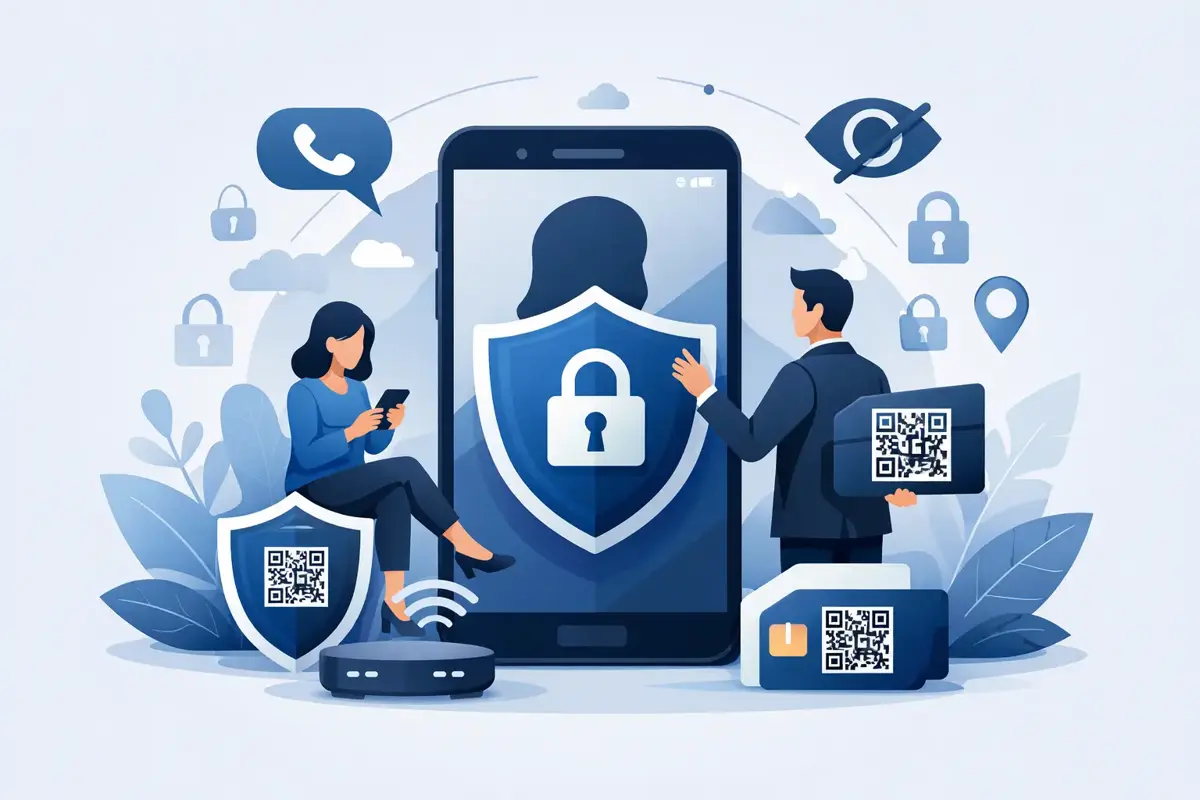
A phone number can feel harmless to share until it ends up on a public noticeboard, marketplace listing, lost wallet card or social media post. Once it is out there, it can attract unwanted calls, scam messages and pressure to respond when you would rather not. Knowing how to protect phone number privacy lets you stay reachable by the people who genuinely need you without making your personal number available to everyone.
Why phone number privacy matters
Your mobile number is more than a way to make calls. It is often connected to banking alerts, delivery updates, school messages, online accounts and two-factor authentication. Scammers know this. A number alone does not give someone access to your accounts, but it can help them build a convincing story: a fake parcel message, an impersonation call from your bank or a request for a one-time security code.
Public exposure also creates everyday headaches. A number written on luggage, a pet collar, a vehicle sign or a keyring may be seen by hundreds of people, not only the helpful stranger you hoped would call. The photo you post to sell a bike can be copied. A contact card in a lost wallet can be photographed. Even a well-meaning person may pass your details to someone else.
Privacy is not about becoming impossible to contact. It is about deciding who gets access to your number, when they get it and why. That distinction matters most when an urgent situation calls for fast action.
How to protect phone number privacy in daily life
Start by treating your number like a personal identifier rather than a general-purpose contact detail. Before you enter it into a form, ask whether it is needed for account security, delivery or an ongoing service. If an online retailer only needs an email address to send a receipt, there is little reason to provide your mobile number as well.
Be especially careful with social media profiles. Avoid putting your number in a public bio, a comment or a photo caption. Check your privacy settings too, as some platforms allow others to find your profile through your number. Turn that option off where it is available, particularly for children and teenagers whose accounts may be less tightly controlled.
When buying or selling through online marketplaces, keep conversations inside the platform at first. A buyer who insists on moving straight to text messages may simply be genuine, but it also removes some of the platform's record of the conversation. If you do share a number to arrange collection, do not share extra details such as your daily routine, children’s names or an empty-house schedule.
Use separate contact paths where they make sense
A second number, a reputable call-routing service or a dedicated work mobile can be useful for a small business, community group, rental property or frequent online selling. It creates a boundary between public enquiries and your private mobile.
There is a trade-off. More numbers and accounts can be harder to manage, and a forgotten service may still receive sensitive messages. Keep the arrangement simple, make sure voicemail messages do not reveal unnecessary personal details, and review it regularly. For most households, the goal is not multiple phones. It is preventing one private number from being used everywhere.
Protect the accounts tied to your number
Use a unique, strong password for your mobile provider account and enable extra sign-in protection where available. Your provider account can contain valuable information, including billing details and the ability to change services. If you receive a message saying your SIM is being transferred or your account details have changed, contact your provider through its official support channel straight away.
Do not give a verification code to anyone who calls, even if they claim to be from a bank, government department, courier or telco. Legitimate organisations do not need you to read back a code sent to your phone in order to prove you are you. If the call feels rushed, hang up and contact the organisation using a trusted number.
It also helps to set a PIN or biometric lock on your mobile, hide message previews on the lock screen and keep software updated. These steps protect the number itself, but also the private messages arriving through it.
Keep emergency contact available without publishing your number
The hardest privacy problem is often an emergency or lost-item situation. You want a Good Samaritan to contact you if they find your keys, luggage, bike or pet. You want emergency responders to reach a nominated person if you cannot speak. But printing your mobile number on a tag creates a permanent public record that anyone can photograph or misuse.
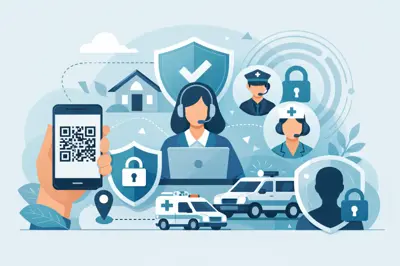
A privacy-first QR contact tag offers a practical alternative. Instead of displaying a phone number, the tag carries a QR code. When someone scans it with their phone camera, they can call or message the owner, or a nominated emergency contact, through a secure contact-routing page. Your actual number stays masked from the scanner.
This approach is useful because it removes a choice people should not have to make: privacy or fast contact. A person who finds a bag at the airport, a helmet after a cycling fall or a wandering pet can act immediately. They do not need to download an app, create an account or search for a number. The tag gives them a clear next step while your personal details remain private.
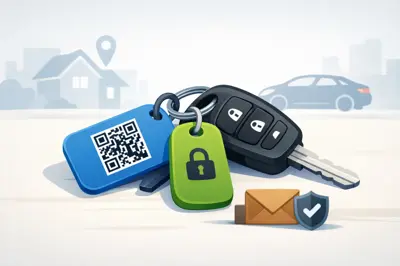
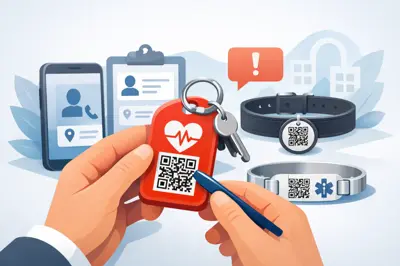
ContactMeTag uses this model across vehicle, luggage, wallet, keyring, pet and wearable tags. Set-up is completed online, and you can nominate the contacts that make sense for each situation. For example, a child’s school bag may route to a parent, while a medical ID tag may route to a partner or carer. The right contact is not always the same person.
Choose emergency contacts with care
An emergency contact should be someone likely to answer, understand the situation and act calmly. Check their number is current, tell them they have been nominated and ask whether they are comfortable receiving calls from unfamiliar numbers. For a child, older relative or person living with dementia, consider adding two contacts so there is a backup if the first person is driving, at work or out of coverage.
Keep the information available to a scanner brief and purposeful. A message such as “Please call my emergency contact” or “I have a medical condition - contact my carer” can guide action without publishing a full medical history. Share detailed medical information only where it is genuinely necessary and review it after any change in medication, diagnosis or contact details.
What to do if your number has already been exposed
If your number appears publicly online, remove it from the original post or listing as soon as possible. Ask group administrators or website owners to take down copied content where you can. Search for your number in quotation marks to see whether it has been indexed elsewhere, but avoid repeatedly reposting it while trying to fix the issue.
Expect an increase in suspicious calls or texts for a while. Block repeat nuisance callers, report scam messages through the appropriate channels and do not engage with people demanding money, codes or urgent action. Save screenshots of threats or persistent harassment, especially if you may need to report the behaviour to police or your mobile provider.
Changing your number is an option if the problem is serious or ongoing, but it can be disruptive. You may need to update banks, schools, doctors, employers, services and two-factor authentication settings. Try blocking, reporting and removing the source first. If you do change numbers, update security settings before closing access to the old one.
Make privacy part of your household safety plan
A quick family check can prevent many common problems. Look at what is attached to keys, bags, sports gear and pet collars. Replace handwritten phone numbers on anything likely to be lost in public. Review social media profiles, marketplace habits and which apps have permission to access contacts.
Teach children a simple rule: never post, send or read out the family phone number to strangers without asking an adult. For older family members, explain that a call or text can look convincing without being real. A pause before replying is often the best protection.
Your phone number should help people reach you when it matters, not become an open invitation to anyone who finds it. Give trusted people a fast way to make contact, keep the number itself out of public view, and let preparedness do its job when every scan counts.