The ContactMeTag Journal
How to Create a Travel Emergency Profile
Learn how to create a travel emergency profile that helps trusted people reach you or your contacts fast, while keeping mobile numbers private abroad.
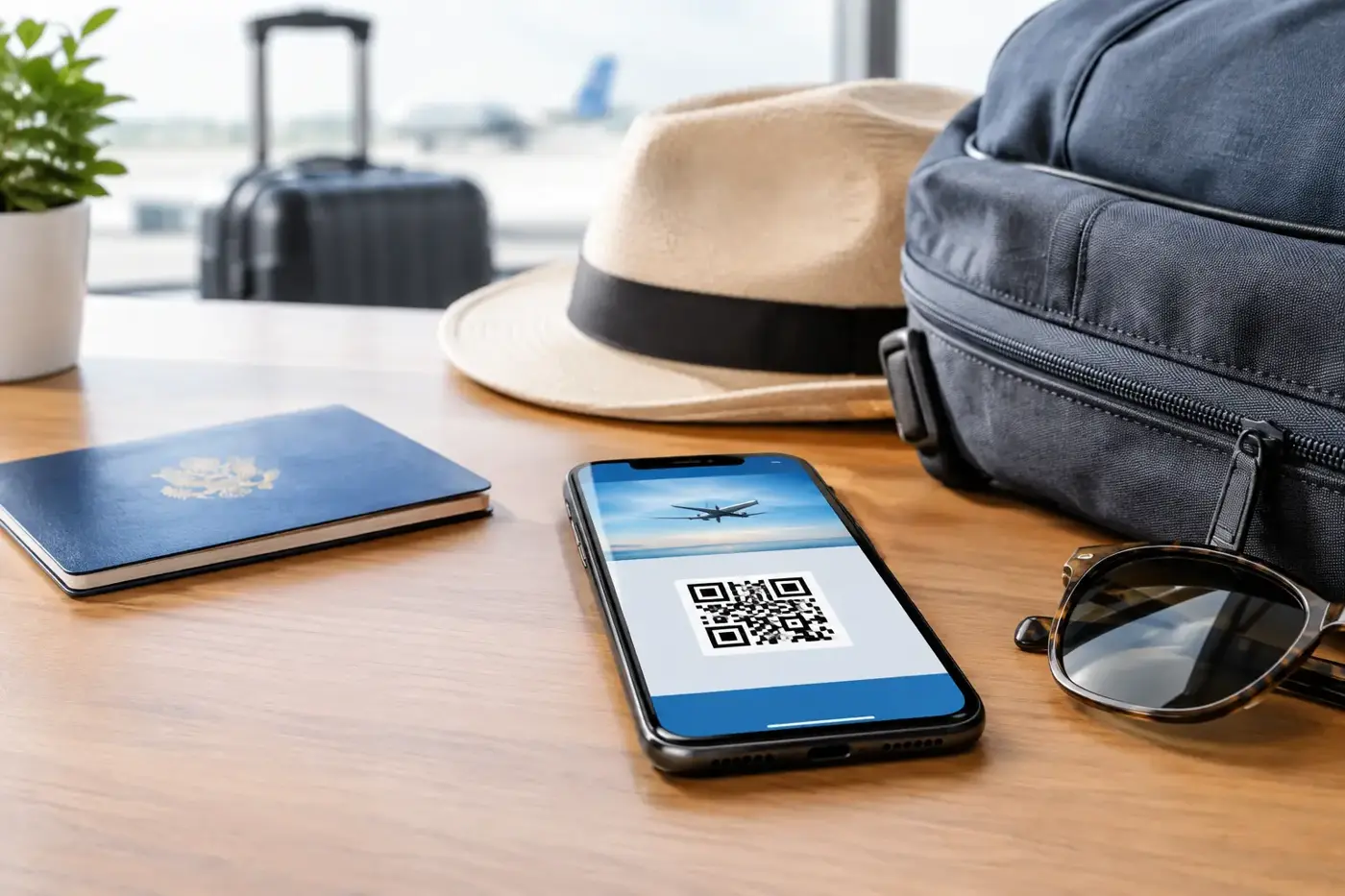
Your passport can be replaced. Your itinerary can be rebooked. But if you are unconscious after a crash, separated from your group, or unable to use your mobile, people need a way to act quickly. Knowing how to create a travel emergency profile gives the right person the right details when you cannot explain them yourself.
A travel emergency profile is a small, practical record of information that helps emergency responders, accommodation staff, travel companions or an honest finder contact someone who can help. It should be easy to access, simple to understand and carefully limited to what is genuinely useful. The goal is not to put your life story on display. It is to create a clear path from a problem to a trusted contact.
Why a travel emergency profile matters
Travel creates gaps in the usual safety net. You may be in a different time zone, driving an unfamiliar road, changing accommodation regularly or carrying bags that become separated from you. Your emergency contact may not know where you are, while the person trying to help may not know who to call.
A profile closes that gap. If a traveller has a medical episode, a QR emergency tag can direct a helper to essential instructions and a nominated contact. If luggage is left on a coach or a wallet falls from a bag, a finder can make contact without seeing a private mobile number. If a child becomes separated at a busy airport or holiday attraction, a clear contact route can reduce precious minutes of uncertainty.
The best profile works without relying on a stranger installing an app, searching social media or guessing which number in your phone is the right one. It gives them one obvious action: scan, read and contact.
How to create a travel emergency profile before you leave
Set it up while you are calm, at home and able to check every detail. Rushing through it at the departure gate is how old phone numbers, missing medication details and out-of-date contacts make their way into a profile.
Start with the details that help in the first five minutes
Your profile should identify you clearly enough for someone to assist, then provide a quick route to a responsible person. Include your full name, current photo and at least two emergency contacts. Choose people who are likely to answer, understand your needs and know your travel plans.
For each contact, check their mobile number, email address and relationship to you. A partner may be the first contact, but add a second person in case they are on the same flight, asleep due to time differences or unavailable. For a child, list parents or guardians first, then a trusted relative or family friend who can make decisions if needed.
Keep your travel profile focused. Avoid placing passport numbers, banking details, full home address or booking references where a member of the public could see them. These details may be needed for recovery or insurance, but they do not help a stranger make an urgent first call.
Add medical information with care
Medical information can be life-saving when it is concise and relevant. Record serious allergies, essential medication, major conditions, communication needs and any critical instructions a responder should know. For example, “Anaphylaxis - carries adrenaline injector”, “Type 1 diabetes”, or “Non-verbal autistic child - call parent immediately” is far more useful than a long medical history.
Be specific where it counts. If you have a severe allergy, name the trigger. If you use medication that should not be stopped suddenly, identify it. If you have a condition that can affect your behaviour or speech in an emergency, a brief explanation can prevent misunderstanding.
There is a trade-off here. More information may help in a medical emergency, but too much personal information can create privacy concerns. Share only what a first responder or carer needs to make safer decisions before your emergency contact is reached. Ask your doctor or pharmacist for guidance if you are unsure what is essential.
Record your trip, but do not broadcast it
Your emergency contacts should have your itinerary, accommodation details and flight information separately. Give them a copy before departure and let them know if plans change. Your accessible profile can simply say that you are travelling and identify the most useful contact.
This separation matters. A public-facing emergency profile should help someone reach you or your contacts. It does not need to reveal that your house is vacant for three weeks or that you are staying in a particular room tonight.
If you are travelling alone, agree on a check-in routine with someone at home. It might be a message after arrival, a call every few days, or a note when you change locations. A profile is an emergency communication tool, not a replacement for sensible travel planning.
Choose a profile that can be accessed quickly
An emergency profile saved only inside your locked mobile has limits. Battery failure, water damage, theft and facial recognition that will not unlock after an incident can all leave it inaccessible. A paper card is useful as a backup, but it can become soggy, damaged or overlooked.
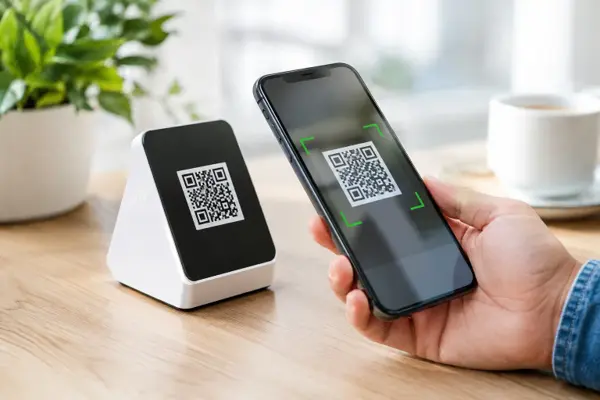
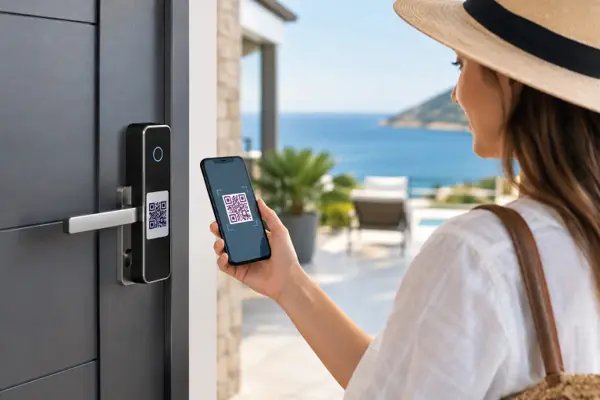
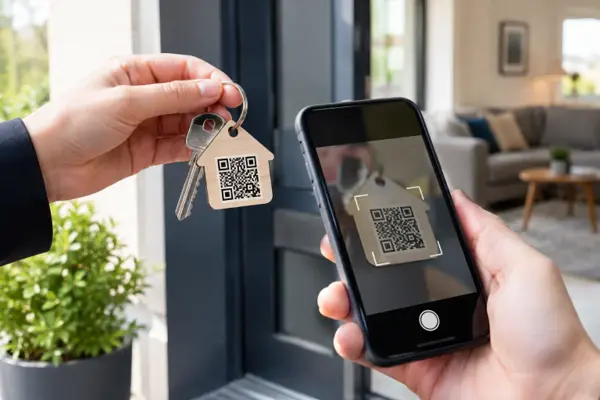
A physical QR tag with a digital profile offers a practical middle ground. It can be attached to luggage, a keyring, helmet, bag, wallet or wearable item, and a person with a smartphone camera can scan it in seconds. The profile can be updated online when your medication, contacts or travel arrangements change.
ContactMeTag is designed for this real-world moment. Its QR tags route calls and messages to nominated contacts while keeping personal phone numbers masked. The person scanning does not need an app, and they can act without being asked to handle your private information.
Placement matters as much as setup. Put a tag somewhere a helpful person will naturally look: on the outside of checked luggage, on a bag tag, inside a wallet, on a helmet or on a wearable item for a child or vulnerable traveller. For medical use, choose a location that is visible and likely to stay with the person, rather than a suitcase that may be several kilometres away.
Check the profile from a stranger’s point of view
Once you have created your profile, test it. Scan the code using another person’s mobile and read what appears as if you have never met yourself. Can you quickly identify who needs help? Is the emergency contact current? Are the instructions clear enough for someone who is stressed, tired or not confident with technology?
Test calls and messages as well. A contact who has changed numbers, blocked unknown calls or gone overseas themselves is not much use during an emergency. Tell nominated contacts that they are listed and ask them to save the service details if needed, so they recognise a genuine message.
Review your profile before every major trip, after a medication change and whenever a contact’s details change. This takes minutes, but the value of accurate information is highest when nothing goes to plan.
Create profiles for the people and items travelling with you
Families often make one profile for one adult and assume that is enough. It usually is not. Each person travelling has different needs, contacts and medical information. A child should have their own profile. So should an older parent who may become disoriented, and anyone with allergies, diabetes, epilepsy, dementia or a communication condition.
Your belongings need their own recovery path too. A luggage tag should direct a finder to a contact method for returning the bag, without exposing your full address or private number. The same thinking applies to a laptop, camera case, keys and wallet. Lost property is not always an emergency, but a fast, private way to make contact can stop a frustrating holiday problem becoming a costly one.
For a group trip, decide who is responsible for keeping profiles current. Parents may manage children’s details, while each adult checks their own contacts and medical information. Do not assume one person knows everyone’s medication, allergies or preferred emergency contact.
A simple pre-departure check
Before you zip the suitcase, make sure your travel emergency profile includes:
- A current name and recognisable photo
- Two reachable emergency contacts
- Essential medical alerts and communication needs
- Clear, short instructions for a person trying to help
- A private way for a finder to call or message without seeing your personal number
- Updated details on the QR tag or card you are taking with you
Preparedness is not about expecting the worst holiday. It is about making sure that, if something unexpected happens, a helpful stranger has a clear next step. When you cannot speak, your emergency profile can speak for you.