The ContactMeTag Journal
A Guide to QR Tags for Rental Properties
A practical guide to QR tags for rental properties: improve guest safety, speed up maintenance calls and protect private contact details around the clock.
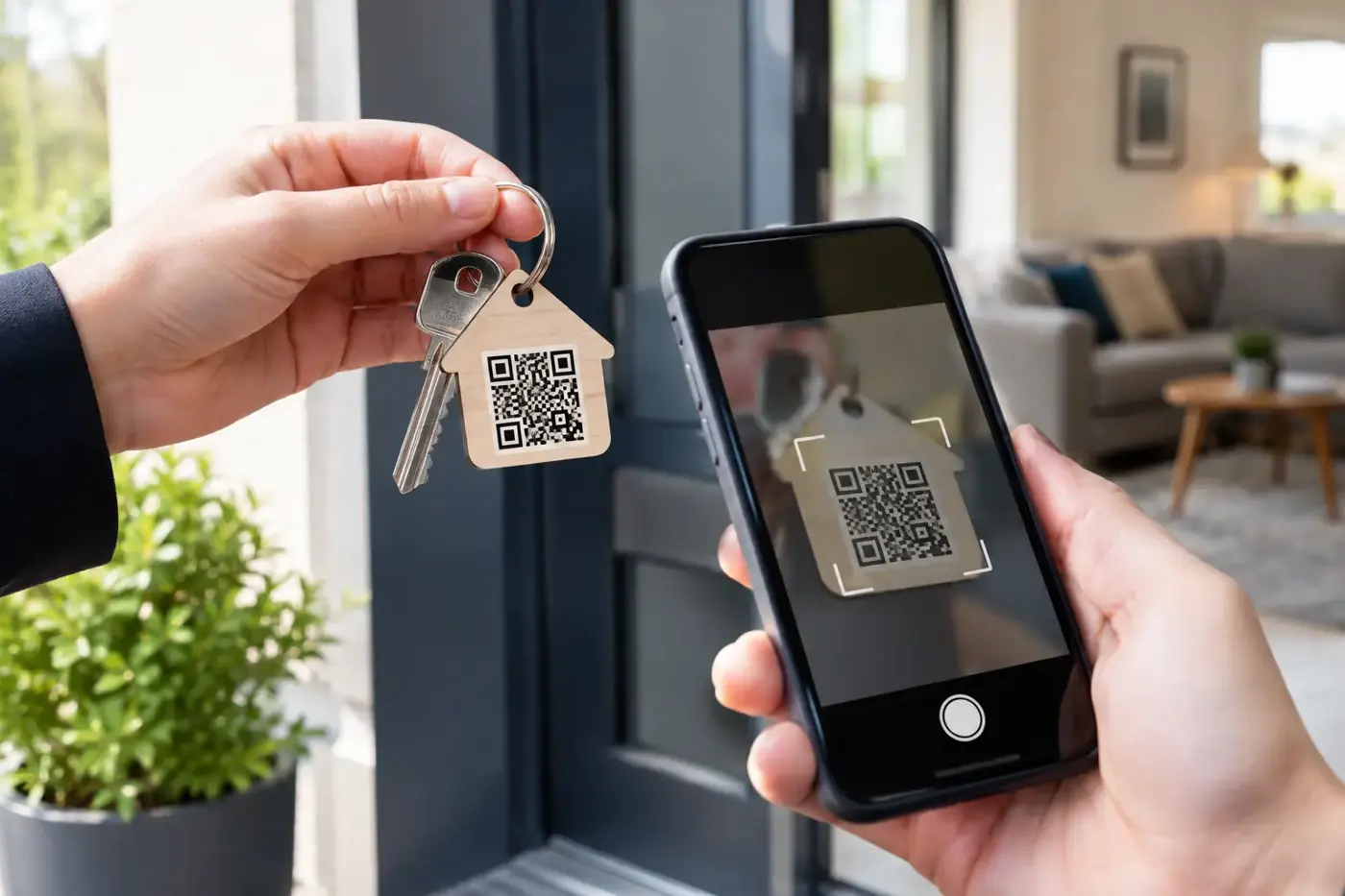
A burst pipe does not wait for office hours. Nor does a smoke alarm chirp, a hot-water system fail, or a guest lock themselves out after collecting keys. A guide to QR tags for rental properties starts with one practical question: when something goes wrong, can the person standing at the property reach the right person immediately?
For landlords, property managers and holiday-home owners, a well-placed QR tag turns confusion into action. A quick scan can direct a tenant, guest, cleaner, tradesperson or helpful neighbour to the right contact pathway without displaying anyone’s private mobile number on a noticeboard, key safe or appliance.
Why QR tags make sense in rental properties
Rental properties are full of small moments where information is needed fast. A new tenant may not know where the water shut-off valve is. A short-stay guest may be unsure whether a power outage affects only the unit or the whole street. A cleaner may spot damage between bookings and need to report it with photos before the next guests arrive.
Printed information sheets help, but they are often misplaced, outdated or buried beneath brochures. A QR tag stays with the relevant item or location. Scan the tag, and the person can be routed to current instructions or a nominated contact. No app download is required, which matters when someone is stressed, travelling, low on battery, or simply unfamiliar with the property.
The strongest use of a QR tag is not as a replacement for good property management. It is a fast first step when the usual contact details are not handy. It gives people a clear action to take at the exact point they need help.
Where to place QR tags around a rental
Placement should follow real risks and common questions, not a desire to label every surface. Start with the places where a delay could cause damage, create a safety concern or disrupt a stay.
A tag inside a utility cupboard can help people report an electrical issue, gas concern or water leak. One near the hot-water system can point a tenant or guest towards the correct contact route when there is no hot water. A tag on a clearly marked emergency folder or inside a kitchen cupboard can provide property-specific information without cluttering the walls.
For holiday rentals, a weatherproof tag near the rubbish bins, pool gate, outdoor BBQ or garage can be useful where guests regularly need guidance. At a rural property, consider a tag in a visible indoor location with instructions for contacting the owner or caretaker if access is blocked, power is out, or a storm causes damage.
Keys and key safes need a more careful approach. A QR tag on a keyring can assist if keys are lost, but it should never reveal the property address, alarm code or lockbox combination. Likewise, avoid placing a public-facing tag beside the front door if scanning it exposes details that could help an unauthorised person identify an empty home or bypass normal access arrangements.
What a rental property QR tag should do
The code itself is only the trigger. What happens after the scan is what makes it useful. A practical setup should make it easy to contact the appropriate person while keeping private information protected.
A privacy-first QR tag can allow a scanner to call or message the owner, property manager or nominated emergency contact without seeing their personal mobile number. That is particularly valuable for self-managed rentals and holiday lets, where owners want to be reachable without publishing their details to every guest, contractor or passer-by.
For example, ContactMeTag can route calls and messages through a digital contact system while masking personal phone numbers. The scanner does not need an account or an app, and the owner can update their contact details online if a manager, caretaker or emergency contact changes.
Keep the first screen simple. It should tell the scanner what the tag is for and what to do next: report an urgent property issue, contact the property manager, or help return lost keys. If you add written instructions, use plain language. In an emergency, nobody wants to read a long house manual before deciding whether to turn off the water.
Set up QR tags with the right contact plan
Before activating a tag, decide who should receive each type of contact. One person may be suitable for an after-hours lockout, while a different person is better placed to deal with plumbing or electrical faults. A single owner’s mobile is not always the safest option, especially if they are overseas, at work, or unable to answer.
A good contact plan usually has a primary contact and a backup. For a managed property, the primary contact may be the agency or after-hours maintenance line. For a holiday home, it could be the owner and a local caretaker. Make sure every nominated person understands when they may be contacted and what they are expected to do.
Use tags for communication, not for instructions that require professional judgement. A tenant or guest can be asked to report a gas smell immediately, leave the area if needed, and contact emergency services. They should not be prompted to inspect gas fittings, reset a switchboard repeatedly, or attempt repairs.
Keep emergency guidance clear and appropriate
A QR tag should support, never delay, emergency action. If there is immediate danger from fire, gas, serious flooding, an intruder or a medical emergency, the instruction should be to call Triple Zero (000) first. Property contacts come after urgent services are on the way.
For less immediate problems, give a simple route: scan, select call or message, describe the issue, and include the unit number or property name. If the system allows messages, encourage a photo for maintenance matters such as leaks, damaged fittings or storm debris. A clear image can help a manager send the right tradesperson sooner.
Privacy, access and tenant trust
QR tags work best when they are transparent. Tell tenants, guests and contractors what the tag is for. A small label such as “Scan for property help and emergency contact” sets the right expectation. It reassures people that the code is there to make support easier, not to monitor them.
Do not use a QR tag to collect unnecessary personal information. A guest should be able to report a problem without being forced to provide more than is needed to respond. If a person sends a message, handle their details responsibly and only for the purpose of managing the property issue.
There is also a practical trade-off between convenience and control. A tag inside the property is ideal for maintenance and guest support, but it will not help someone who cannot get in. A tag on a lost keyring can improve the chance of return, but it must be configured so a finder cannot identify the associated address. Think through who may scan each tag and what they genuinely need to know.
Test every tag before it matters
Activation is not the final step. Scan each tag with more than one mobile, ideally using both a camera app and a standard phone browser. Check that the right contact receives the call or message, the wording makes sense, and the tag is visible without being intrusive.
Review the setup whenever the tenancy changes, a property manager changes, or a contractor relationship ends. Test it again before a busy holiday period, particularly for properties in bushfire, storm or flood-prone areas. A tag with an old contact number creates false confidence at exactly the wrong time.
Physical condition matters too. Choose durable, weatherproof tags where they will face sun, rain, salt air or frequent handling. Replace any tag that is scratched, peeling or difficult to scan. A QR code is only useful if a mobile camera can read it quickly.
A small addition that changes the response
Rental properties do not need more complicated systems. They need a reliable way for the right person to make contact when a problem is unfolding. QR tags provide that pathway at the water meter, on the keyring, beside the hot-water system or wherever help is most likely to be needed.
Set them up with clear purpose, private contact routing and tested backup contacts. Then, when a guest is unsure, a tenant is worried, or a small fault threatens to become expensive damage, the next step is already in their hand: scan and get help.