Do QR Tags Work Without an App?
By ContactMeTag · · 7 min read
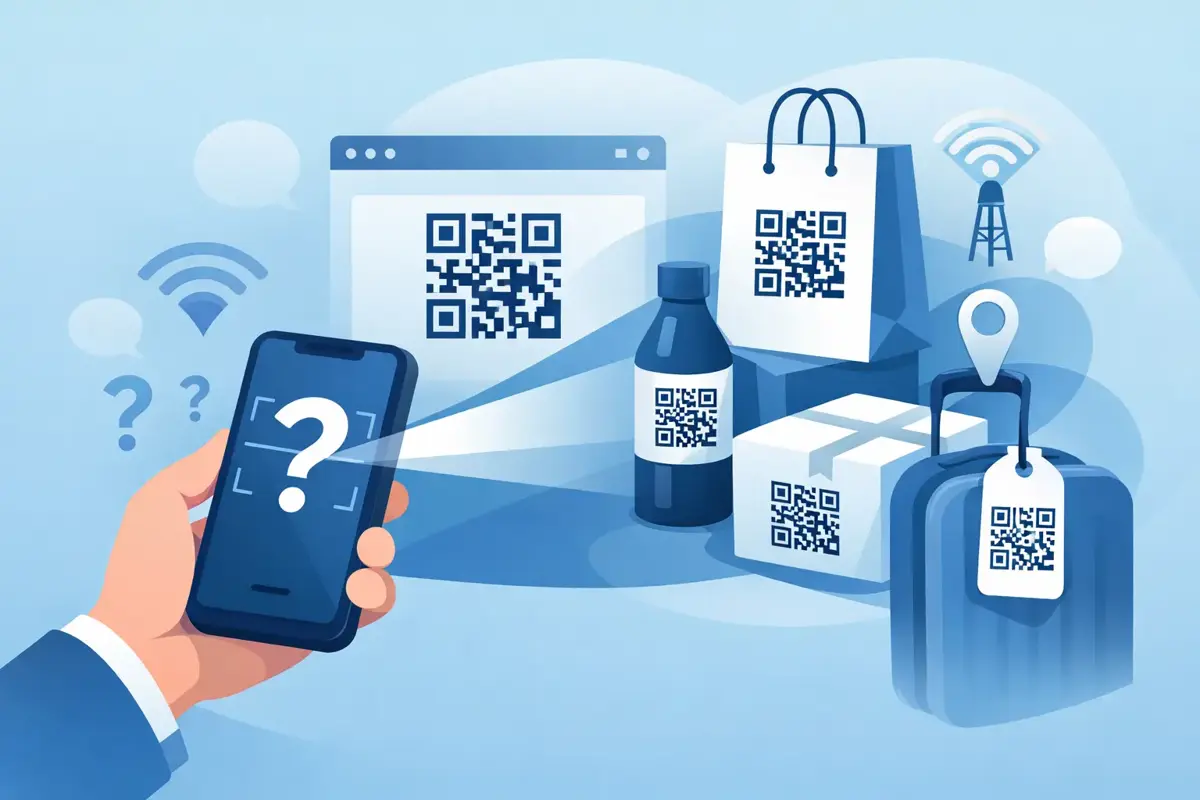
You are standing beside a crashed bike, a lost dog has wandered into your yard, or your child’s school bag has been left behind after sport. In moments like these, the question isn’t whether QR technology is clever. It’s much simpler - do QR tags work without app downloads, and will the person holding the item actually be able to use them straight away?
The short answer is yes, most modern QR tags can work without a special app. That is exactly what makes them useful in emergencies and everyday mix-ups. If a tag only worked after someone downloaded software, created an account and learned how to use it, it would fail at the one thing that matters most - getting help or making contact quickly.
Do QR tags work without app downloads?
In most cases, yes. Nearly all current smartphones can scan a QR code using the built-in camera. The person scanning simply opens their camera, points it at the code and taps the prompt that appears on screen. From there, they are taken to a webpage, contact form or call option depending on how the QR system has been set up.
That matters because people act on instinct. A passer-by helping after a car accident is not going to spend five minutes hunting for an app. A finder with your lost wallet is not likely to jump through technical hoops either. The easier the first step, the more likely someone is to follow through.
There is a catch, though. Not every QR tag is built the same way. A basic printed QR code might simply open a plain page with static information. A more advanced tag can route calls and messages, show emergency details, or alert nominated contacts. The code itself may scan without an app, but what happens after the scan depends on the platform behind it.
Why no-app access matters in real situations
The value of a QR tag shows up when someone else has to use it under pressure. That could be an ambulance officer, a good Samaritan, a teacher, airport staff or a neighbour. They need clear instructions and immediate access, not a tech lesson.
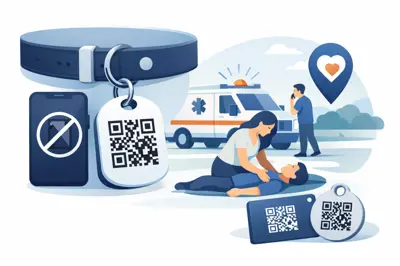
Think about a motorcycle helmet tag after a roadside accident. If the rider is unable to speak, a scan can help another person contact family or view urgent instructions. Or picture luggage left at a hotel transfer point. If a staff member scans the tag and can send a quick message without exposing your private mobile number, recovery becomes far more likely.
This is where no-app design stops being a convenience and becomes a safety feature. Every extra step creates drop-off. If a system relies on downloads, logins or accounts for the scanner, fewer people will complete the process. In urgent moments, that can be the difference between contact made and contact missed.
How QR tags work without an app
A QR tag is really a shortcut. The code stores information that tells a phone where to go when it is scanned. Usually that means opening a secure web page in the phone’s browser. The browser is already on the phone, so no dedicated app is needed.
From that page, the scanner might see a button to call, send a message, report a found item or access emergency contact instructions. The stronger systems keep the owner’s personal number hidden and use masked contact routing instead. That way, the finder can act quickly without being handed private details they do not need.
This design is especially useful for items and situations that involve the public. A pet tag, school bag tag, keyring or bike tag may be scanned by a stranger. You want them to be able to help, but you do not necessarily want your direct phone number printed on display for anyone who picks it up.
What can stop a QR tag from working?
When people ask do QR tags work without app support, they are often really asking whether the system will work when it counts. The answer is usually yes, but there are a few practical limits worth knowing.
The first is the phone itself. Most modern iPhones and Android phones scan QR codes with the camera, but some older devices may need a QR reader. That is far less common than it used to be, yet it still exists. The second is internet access. If the tag opens an online page, the scanner needs mobile data or Wi-Fi. In urban and suburban Australia that is usually not a problem, but remote areas can be different.
The third factor is tag quality. A faded sticker, scratched plate or poorly printed code can become difficult to scan. Durable, weatherproof materials matter more than many people realise, especially for helmets, vehicles, pet collars and luggage. A QR tag should be made for heat, rain, dirt and daily wear, not just for looking good when it first arrives.
Then there is setup. A tag that has not been activated or updated can only do so much. If your emergency contacts have changed, or if the linked details are incomplete, the scanner may still hit a dead end. The technology works best when the setup is simple enough that owners actually finish it properly.
The difference between a basic QR code and a safety-ready QR tag
A lot of confusion comes from treating all QR codes as the same. They are not.
A free QR code generator can create a code that points to a phone number, email address or webpage. That may be enough for a one-off use. But in safety situations, basic codes have limits. They often expose private information, they are harder to update later, and they usually do not include any contact-routing features.
A safety-ready QR tag is built around a specific outcome: helping someone reach the right person fast when the owner cannot. That might mean routing a call to you, sending a message to a family member, notifying multiple contacts, or letting a finder report a lost item without seeing your private details.
That is a different job from simply linking to a web page. It is less about the code itself and more about what sits behind it.
Where no-app QR tags make the biggest difference
The best use cases are the ones where time, stress or privacy matter.
For drivers and riders, a tag can help after an accident when a person is unconscious or disoriented. For parents, it can sit on a school bag, lunch bag or jacket in case a child is separated from belongings or needs urgent contact support. For travellers, it can make lost luggage easier to recover without broadcasting personal details to everyone handling the bag.
Pet owners get a similar benefit. A neighbour who finds a dog does not need to hold the animal while waiting for a social media post to work its magic. They can scan and act immediately. Carers and families supporting someone with dementia or a medical condition may also value a system that gives first responders or finders a fast path to the right contact.
Around the home, the use case shifts slightly. A QR tag on a gate, lock box or holiday property can help trusted visitors, cleaners, tradespeople or neighbours make contact quickly when there is an issue. Again, no app means less friction and more action.
What to look for if you want QR tags that work without an app
First, make sure scanning works through a standard smartphone camera. That should be the baseline, not a bonus. Second, check that setup is done online in a few minutes and can be updated later. Life changes, and your contact system needs to keep up.
Third, focus on privacy. A good QR tag should let people reach you or your emergency contacts without putting your direct number on public display. Fourth, choose materials suited to the job. A luggage tag has different demands from a helmet tag, a pet tag or a car window sticker.
Finally, think about the real-world outcome. If someone scans your tag while you are stressed, injured, travelling or simply not near your phone, what happens next? The best systems are designed around that moment.
ContactMeTag is built around this exact principle - scan, connect and act fast, with no app required for the person helping.
So, do QR tags work without app reliance?
Yes - and for safety products, they should. The whole point is to remove delays, not create them. A QR tag is at its most useful when any ordinary person with a phone can scan it and take the next step immediately.
That does not mean every product on the market is equally effective. Some codes are basic, some are poorly made, and some do not protect privacy very well. But a properly designed QR tag can turn a stranger’s good intentions into fast, practical action.
When you are choosing one, think less about the novelty of the code and more about the moment it is meant for. If you cannot speak, if your item is missing, or if someone else needs to help without delay, the right QR tag should make that next move obvious. Every scan counts.