The ContactMeTag Journal
Do QR Codes Need Mobile Apps? What Scanners Need
Do QR codes need mobile apps? Learn how phone cameras scan codes instantly, what can stop a scan, and why no-download access matters in most emergencies.
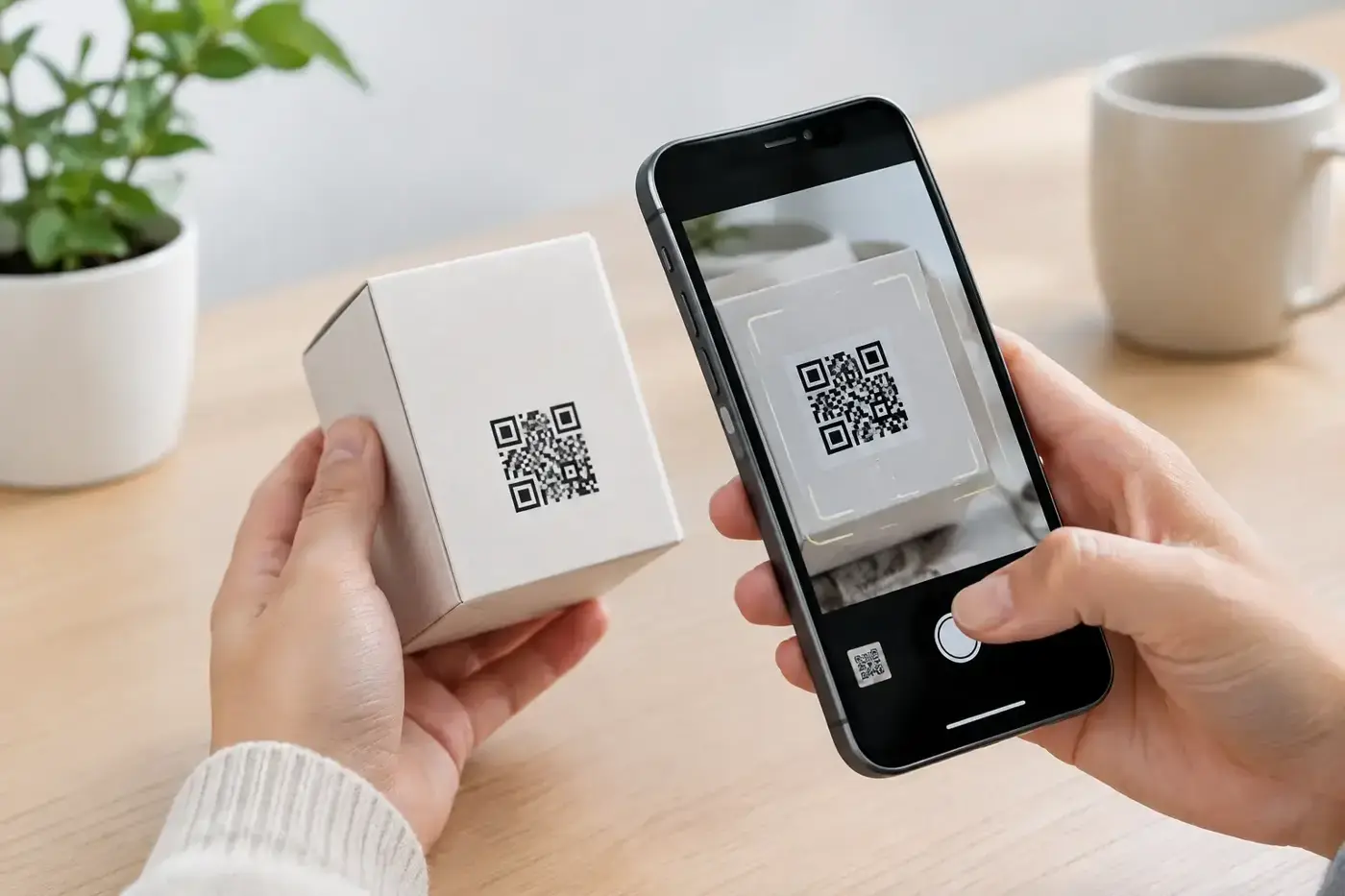
A driver stops at the scene of a minor crash. A neighbour finds a child’s backpack on the footpath. A Good Samaritan spots a dog wandering without its owner. In these moments, people need a fast way to make contact, not another app to download. So, do QR codes need mobile apps? Usually, no. Most modern mobiles can scan a QR code directly through the built-in camera.
That simple fact is what makes a well-designed QR safety tag useful. A person points their mobile camera at the code, taps the prompt that appears, and is taken to the information or contact option connected to it. No account, payment or special QR scanner app should stand between a helpful person and the action they need to take.
Do QR Codes Need Mobile Apps on Modern Phones?
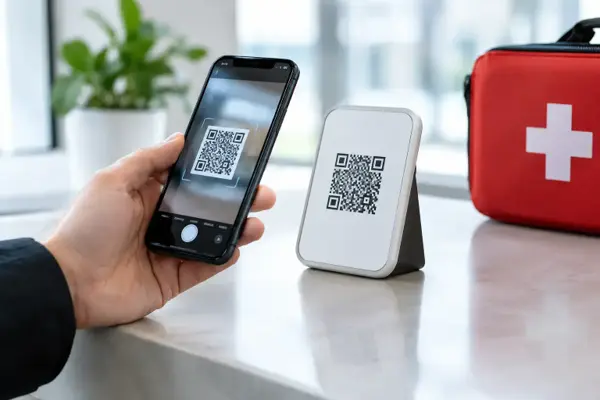
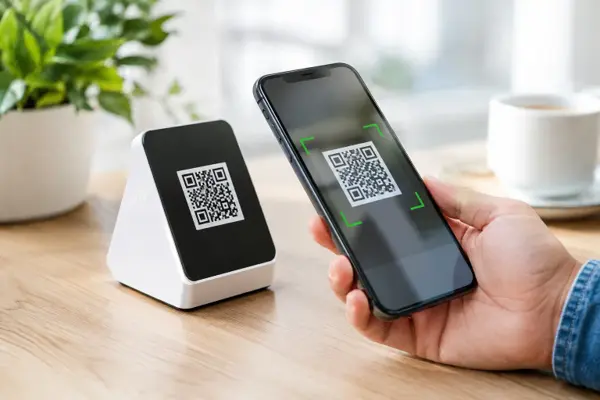
For most Australians using a reasonably current iPhone or Android mobile, the answer is no. Built-in camera software recognises QR codes automatically. Open the camera, hold it over the code for a moment, and a notification or link should appear on screen.
The scanner does not need to install the tag owner’s app either. This is an important distinction. A QR code is simply a visual shortcut that tells the phone where to go, much like typing a web address. When the code opens a webpage, the phone uses its web browser to display it. The finder is not being asked to join a platform or share their own details.
Some older mobiles, or phones with limited camera software, may need a QR scanning feature such as Google Lens or a trusted QR reader. That is now the exception rather than the rule. A safety solution should be planned around the most common real-world behaviour: open the camera, scan, act.
What Happens When Someone Scans a QR Safety Tag?
The code itself does not carry a public list of your private information. It can direct the scanner to a secure online page where the next action is clear, such as calling or messaging you, contacting a nominated emergency contact, or reporting a lost item.
With a ContactMeTag, the scanner can use their own mobile to reach the relevant person while your personal phone number remains protected. The finder sees a practical contact path, not your private details. Calls and messages are free for the scanner, apart from any normal mobile or internet charges that apply to their own service.
This approach matters when a tag is visible to anyone. A luggage tag at an airport, a helmet tag in a car park or a contact tag on a child’s bag should make help easy without putting your phone number on display for every passer-by. The goal is direct communication with sensible privacy built in.
The phone still needs a connection
No app does not mean no technology. Once the camera has read the code, the mobile generally needs internet access to open the connected page. That might be mobile data or Wi-Fi. In most public places this happens quickly, but poor reception can delay it.
This is a worthwhile trade-off to understand. A printed phone number can be called without opening a webpage, but it is permanently visible and difficult to change. A QR contact tag can keep details private and allow contacts to be updated, but it relies on the scanner having a camera and an internet connection. For many everyday emergency and lost-property situations, that is a practical balance.
Why No-App QR Codes Matter in an Emergency
People under pressure do not follow complicated instructions. If someone has found your wallet, they may have only a few minutes before boarding a train. If a motorcyclist is unable to speak after an incident, first responders need clear contact options without searching through an unfamiliar device. If a pet has slipped out of the yard, a neighbour needs a quick way to let you know.
Every extra step reduces the chance that a person will follow through. Asking a stranger to download an app creates friction, uses their data and can feel untrustworthy. It may also be impossible if their mobile has little storage, a flat battery, poor reception or restrictions on downloading apps.
A camera-based QR code removes that barrier. It works with the equipment people already carry and understand. Scan, tap and contact. That is the standard a practical safety tool should meet.
How to Make Sure Your QR Code Is Easy to Scan
A no-app experience only works when the QR code is placed and maintained properly. A code hidden beneath a phone case, scratched beyond recognition or printed too small will not help when it counts.
Choose a durable, weatherproof tag suited to where it will be used. A vehicle or helmet tag must handle sun, rain, road grime and regular cleaning. A pet tag needs to remain readable after active days outdoors. A luggage or keyring tag should be strong enough for knocks, airport handling and daily use.
Placement is just as important. Put the tag where a finder can reasonably see it without handling sensitive belongings more than necessary. On a vehicle, that may be a clearly visible external location. On a backpack, it should be easy to spot without opening pockets. For medical or emergency use, make sure trusted family members know where the tag is and what it is for.
Keep the code clean and unobstructed. Test it after fitting it, then check it from time to time with a different mobile. This is especially worthwhile before a road trip, overseas holiday, school term or a period when an older relative may be out independently.
Set Up the Contact Path Before You Need It
The physical tag is only half the system. The value comes from what happens after the scan. Take a few minutes to activate the tag online and choose the people who should be contacted.
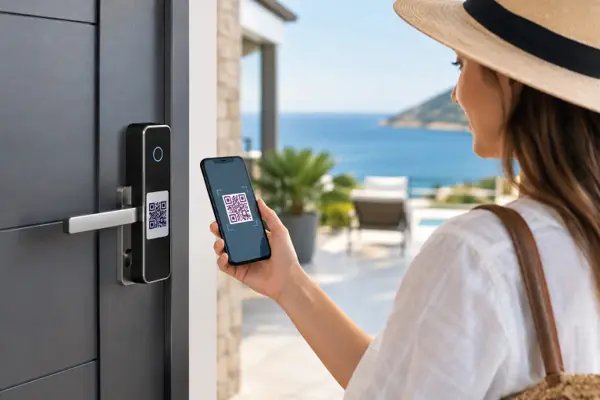
For a vehicle, that might be the driver and a partner. For a child’s school bag, it could be both parents or carers. For a holiday home, you may nominate a nearby neighbour or property manager. For someone living with dementia, consider who is most likely to answer promptly and can provide calm, useful information to the person who has found them.
Use contact details that are actively monitored. If a nominated person is often in meetings, travelling or hard to reach, add another trusted contact where the service allows it. Review the information after changing mobiles, moving house or updating your emergency contacts. A tag can only speak for you if the message behind it is current.
Keep the instruction simple for the finder
A QR code works best when the tag makes its purpose obvious. A finder should not have to guess whether the code is for a menu, a promotion or an emergency contact. Clear wording gives them confidence to scan and tells them why their action matters.
This is particularly useful for situations involving vulnerable people, pets or unattended property. A clear prompt can turn hesitation into action. When someone knows the scan may reunite a lost dog with its owner or help reach a family after an accident, they are more likely to use it.
When an App May Still Be Useful
There are situations where an app can add features for the tag owner, such as account management, notifications or detailed records. But those are owner-side conveniences, not requirements for the person scanning the code.
For a public-facing safety tag, requiring every finder to use the same app is rarely the right choice. The person who finds your keys might use a different mobile brand. The person assisting after a crash may be in a hurry. A tourist who finds your luggage may have limited data and no interest in installing unfamiliar software.
The best QR code system respects that reality. It gives the owner control during setup, while keeping the scanner’s job short and familiar.
A Small Test That Can Make a Big Difference
Before relying on any QR tag, scan it using a family member’s mobile. Try it in normal daylight, then check that the page clearly offers the right contact action. Confirm that the person receiving the alert can respond quickly and understands what information they may need to provide.
Preparedness is not about expecting the worst. It is about making the next helpful step obvious when you cannot explain it yourself. A QR code that works through an ordinary mobile camera gives strangers, neighbours and responders one less reason to hesitate - and one clear way to help.