Digital Lost Property Solutions That Work Fast
By ContactMeTag · · 6 min read
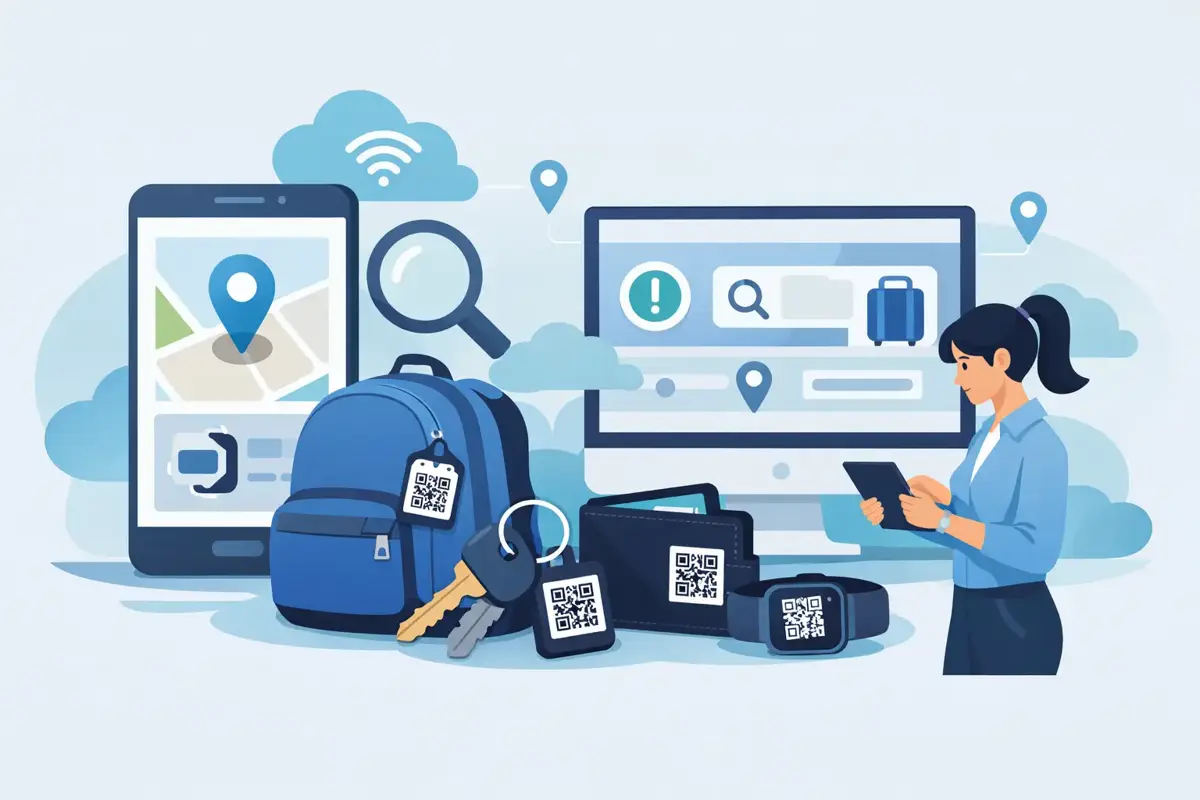
A wallet left in a café, a school bag on a bus, luggage sent to the wrong carousel or keys dropped beside the ute - these moments turn stressful quickly. Digital lost property solutions give the person who finds an item one clear action: scan a QR code and make contact, without needing to search social media, visit a police station or handle the owner’s private mobile number.
For Australian families, travellers and anyone carrying valuable everyday items, that speed matters. A small tag can turn an uncertain lost-and-found moment into a direct, private conversation between a finder and the right person.
Why traditional lost property methods fall short
The old approach relies on luck and time. If someone finds your keys or bag, they may look for a name label, hand it to a nearby business, take it to lost property, or leave it where it was found. Each option creates another delay. By the time you realise an item is missing, it may have moved through several hands.
Writing a phone number inside a wallet or on a luggage label seems simple, but it creates a privacy trade-off. Anyone who picks up the item can see your details. That may be uncomfortable for a parent labelling a child’s bag, a traveller displaying a home address, or someone carrying keys that could identify where they live.
AirTags and other location trackers can be useful for finding an item’s last known location. They do not always solve the human part of the problem, though. A finder still needs an easy way to tell you they have your property and arrange a safe return. A visible QR tag fills that gap.
How digital lost property solutions work
A digital lost property tag combines a durable physical QR code with an online contact profile. You attach the tag to an item, register it online, and choose who can be contacted if it is found. When someone scans the QR code with their mobile camera, they are shown a simple contact page.
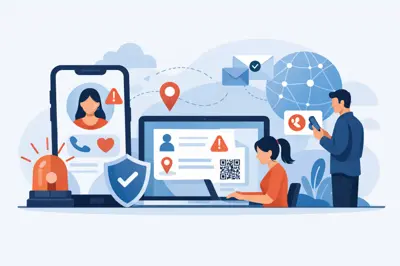
The finder can call or message the owner, or a nominated contact, through the system. The key benefit is that personal contact details do not need to be printed on the tag itself. The finder gets a fast way to help. You keep control of the information you share.
No special app should be required for the person scanning. In a real lost-property situation, asking a stranger to download software is one more reason they may not follow through. A QR code that opens from a standard mobile camera keeps the process practical.
The moment that makes the difference
Picture a traveller stepping off a train in Melbourne and leaving a carry-on bag in the overhead rack. Another passenger spots it, scans the tag and sends a message before the train reaches the next station. The owner can respond straight away and organise where to meet.
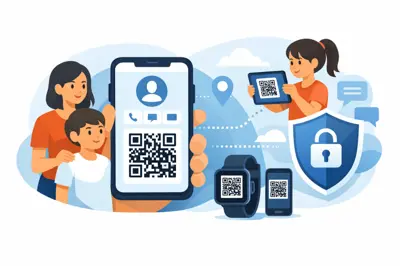
Or consider a child’s backpack left at sport after a busy Saturday morning. Instead of a name and mobile number being visible to everyone, the coach can scan the tag and reach a parent through a protected contact route. The bag gets home sooner, and the family’s details stay private.
That is the purpose of good digital lost property solutions: remove the awkward steps between finding an item and returning it.
What to look for in a QR lost property tag
Not every QR sticker offers the same level of usefulness. A basic code may lead to a static webpage or a contact form that is rarely checked. For a tag to help when it counts, the physical product and the digital service both need to be reliable.
Start with durability. Tags used on luggage, keyrings, helmets and school bags are exposed to sun, rain, knocks and daily wear. A code that fades or peels away cannot do its job. Weatherproof materials and a clearly printed code make a real difference, especially for outdoor gear, vehicles and pet collars.
Next, look at the contact experience. The finder should be able to take action in seconds, without creating an account or paying to send a message. The owner should be able to update their contacts whenever circumstances change, such as a new mobile number, a different carer or an upcoming holiday.
Privacy is just as important. Choose a service that masks personal phone numbers rather than putting them on public display. This is particularly valuable for children’s belongings, wallets, house keys, medical tags and items that travel with you.
Finally, consider whether the tag is suited to its location. A tiny keyring tag works well for keys and bags, while a larger weatherproof tag may be better for a caravan, bike, helmet or vehicle. The best option depends on what you are protecting and how likely the tag is to be seen by a finder.
Set up tags before the item goes missing
A lost-property system only works if the contact information is current. Registration takes minutes, but it is worth doing properly before the item leaves the house.
Add the primary contact who is most likely to answer their mobile. Then add a backup contact where appropriate. For a child’s school bag, that may be a second parent or grandparent. For a traveller, it could be someone at home who can help coordinate a return if the owner is in transit or without reception.
Use a clear description only where the service allows it and where it helps. A finder does not need your full address to return a wallet. They need a safe, simple way to reach you. Once contact is made, you can decide whether to meet in a public place, arrange collection from a venue, or ask the finder to hand the item to local lost property.
It is also wise to test the scan yourself. Open your mobile camera, scan the code and check that the contact page loads and routes correctly. Do this after changing phones or updating a nominated contact. A ten-second test can prevent a frustrating failure later.
Where a digital tag earns its place
Some items are obvious candidates: keys, wallets, handbags, laptop sleeves and luggage. But the most useful applications are often the ones people overlook.
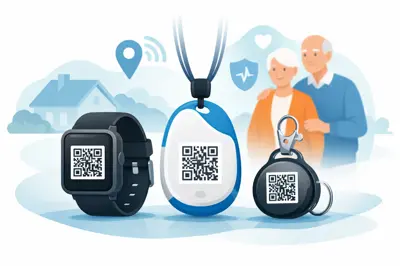
A QR tag on a bike can help a person who finds it after it has been left at a trailhead or outside a shop. A tag on a helmet can support identification and contact after an incident, as well as help recover it if it is misplaced. Tags on portable medical bags, mobility equipment or dementia-care items can give a Good Samaritan a fast path to the right family member or carer.
Holiday-home keys and access remotes are another sensible use case. If they are dropped during a handover, a finder can contact the owner or property manager without being given details that could compromise the property. For pet owners, an easy scan can be faster than waiting for a vet or council facility to check a microchip, although a QR tag should complement, not replace, legal microchipping requirements.
ContactMeTag applies this idea across everyday tags designed for bags, vehicles, helmets, homes, pets and personal items. The technology stays simple because the situation is often anything but simple: someone has found something important and wants to do the right thing quickly.
Privacy does not mean making recovery harder
Some people worry that hiding contact details makes a return less likely. In practice, it can make people more willing to scan and help. A clearly labelled QR code tells the finder what to do, while a protected contact route means neither person needs to share more information than necessary at the start.
There are sensible limits. A QR tag cannot force an item to be returned, and it cannot replace police reports, insurance records or a tracker for high-value gear. It also depends on the tag remaining attached and the finder having a camera-enabled mobile with reception. These are reasons to use layered protection: record serial numbers, keep photos of valuable items, use location tracking where it makes sense, and add a QR contact tag for the recovery conversation.
For many everyday losses, however, the simplest path is the one most likely to be used. Make it easy for an honest finder to reach you, make it safe for them to do so, and keep your contacts current. When an item is out of your hands, every scan counts.