Are QR Tags Safe for Children? What Parents Need
By ContactMeTag · · 6 min read
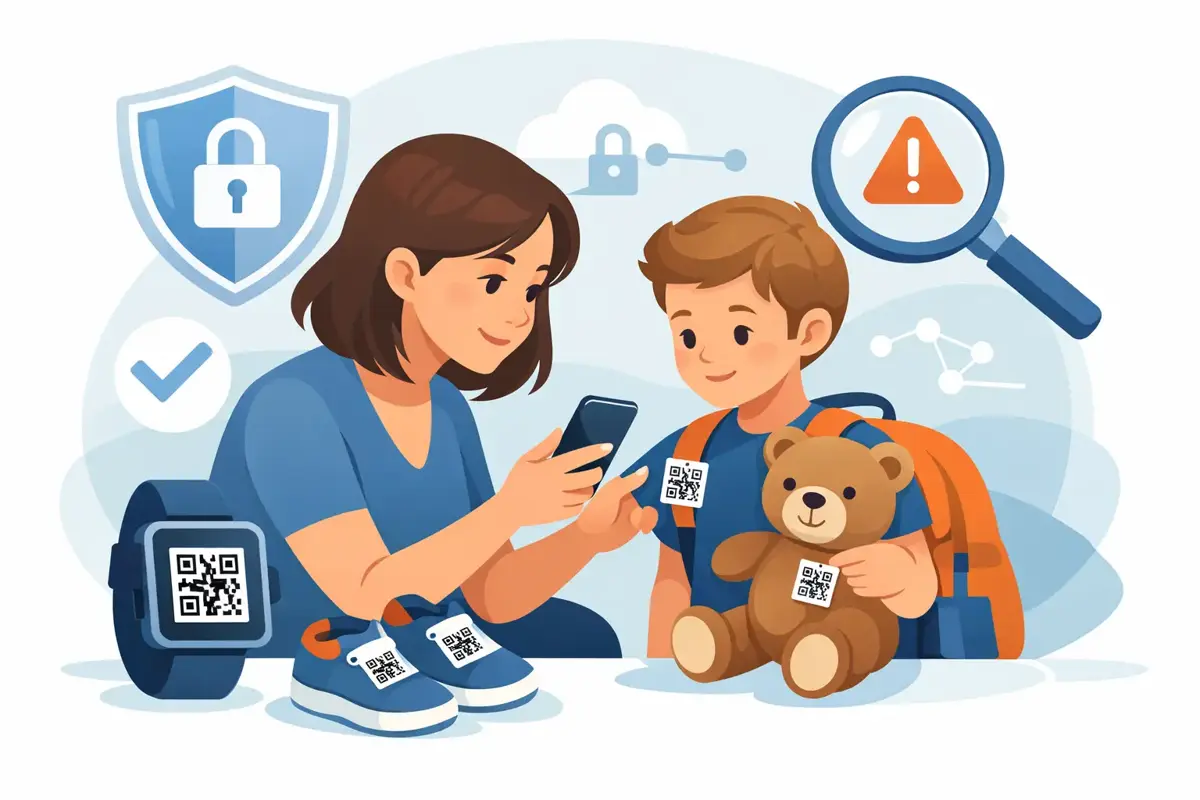
A child gets separated from the group at a busy sports carnival, steps off at the wrong bus stop, or leaves a school bag on the train. In those first few minutes, a simple way for a helpful adult to reach a parent can make a real difference. So, are QR tags safe for children? They can be, provided the tag is designed around privacy, used thoughtfully and paired with clear family safety habits.
A QR tag is not a substitute for supervision, teaching children what to do when they are lost, or having a family emergency plan. It is a practical backup. When a child cannot explain who to contact, their QR code can help a teacher, coach, Good Samaritan or emergency responder start the right conversation quickly.
Are QR tags safe for children in real situations?
The safety of a QR tag depends less on the black-and-white square itself and more on what happens after it is scanned. A basic QR code can be set to show a parent’s name, mobile number, home address or medical details. That may be convenient, but it also places personal information in public view. Anyone can scan it, not only someone trying to help.
A privacy-first QR tag takes a safer approach. Rather than displaying a parent’s personal mobile number, it routes the scanner to a secure contact page where they can call or message nominated contacts. The person scanning can get help moving without being given more family information than they need.
That distinction matters on a school bag, lunchbox, bike helmet or wearable tag. Children lose things. They also move through public places where tags may be seen by people you do not know. The safest setup shares the minimum information needed to reconnect a child with their responsible adult.
The privacy checks parents should make
Before placing any QR tag on a child’s belongings or clothing, look closely at the information it reveals. A tag should help someone make contact, not become a public profile of your child.
A well-designed child safety QR tag should avoid showing a child’s full name, date of birth, school, suburb, home address or a parent’s direct phone number on the first screen. It should also avoid inviting a scanner to download an app or create an account before they can help. In a stressful moment, extra steps can stop a good intention from becoming useful action.
Instead, the scanner should be able to use their mobile camera, see a clear prompt and contact a parent or guardian immediately. Calls and messages should be simple for the scanner, while the family’s personal number remains masked. This gives parents a practical layer of privacy without making the tag difficult to use.
It is also sensible to check who controls the information after purchase. Parents should be able to update contact details if a mobile number changes, switch between nominated contacts and deactivate a tag that has been lost. A tag that cannot be managed easily can create problems later.
Where a QR tag helps most
QR tags are most useful when a child is likely to be separated from an adult, or when an essential item could go missing. Think beyond the rare major emergency. Everyday mix-ups are where a quick contact route often has the greatest value.
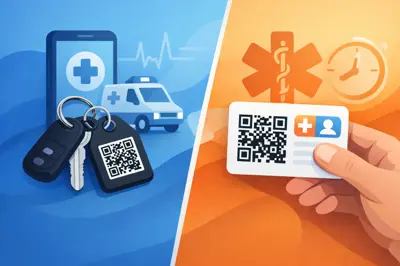
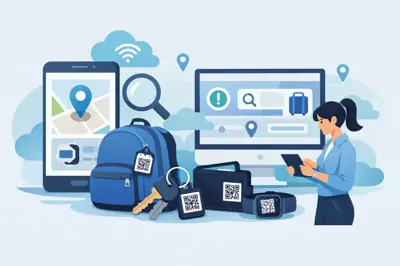
A tag on a school bag can help recover it after it is left at the oval, library or station. A tag on a sports bag is useful when gear is mixed up after training. A small wearable tag can provide a contact option at crowded events, airports, camping grounds or family holidays. On a bike or scooter helmet, it may help a responder contact family if a child is injured and unable to speak.
There are trade-offs. A visible wearable tag is easier for a helpful adult to find, but it is also more noticeable. A tag inside a bag is more discreet, but it may not be found until after the child and bag are already apart. Many families use a combination: a discreet tag for belongings and a clearly identified emergency contact option for higher-risk outings.
Teach children what the tag is for
Technology works best when children understand it in simple, age-appropriate terms. Tell them the tag is there to help a safe adult contact Mum, Dad, a carer or another trusted person if they are lost, hurt or cannot find the group.
For younger children, keep the instruction short: stay where you are if it is safe, look for a police officer, staff member or a parent with children, and ask them to scan the tag or call the contact shown. For older children, explain that the QR tag is not for chatting with strangers, sharing personal details or scanning random codes they see online or in public.
A QR tag should sit alongside the basics. Children should know their first name, a parent or carer’s name and, where appropriate, a contact number. They should know not to leave a public place with an unfamiliar person, even if that person says they have scanned the tag. If they feel unsafe, they should move towards staff, security, police or another clearly safe adult.
Set up the information for speed, not detail
The best emergency profile is short, accurate and ready to act on. Add at least two trusted contacts where possible, especially if one parent may be driving, at work, travelling or unable to answer immediately. Choose people who understand they are emergency contacts and will pick up unfamiliar calls.
Your contact message should make the next step obvious. For example: “You have found a child’s bag. Please call or message their parent using the contact options below.” This is more useful than a long explanation or a page filled with family details.
If your child has a medical condition, allergy, communication need or sensory requirement, consider whether a brief instruction could assist in an emergency. Only include information that is genuinely necessary and that you are comfortable sharing with a person who scans the tag. For some families, “Non-verbal. Please contact parent” is enough. Others may need a short allergy alert. More detail is not always safer.
Check the profile every few months and before travel, school camps, major events or a change in care arrangements. Replace old contacts promptly. Test the tag with your own mobile to see exactly what a finder will see and how quickly they can make contact.
Choosing a child-safe QR tag
Physical quality matters as much as digital privacy. A tag that peels off in rain, fades in the sun or breaks after a few weeks will not be there when it is needed. Look for durable, weatherproof materials and attachment options that suit the item, whether that is a bag loop, keyring, helmet mount or wearable accessory.
The scan experience should be equally dependable. The code needs to be clear, easy to scan and supported by a platform that does not require the finder to install an app. In an urgent moment, a person may have only a mobile camera, patchy reception and a few seconds to help.
ContactMeTag is built around this practical model: a physical tag linked to a privacy-first contact-routing service, so nominated contacts can be reached without publicly displaying their personal mobile numbers. For parents, that means the tag can support fast action while keeping family information better protected.
A useful backup, not a reason to worry
Parents do not need to prepare for every possible scenario to make sensible safety choices. A child-safe QR tag is one small, practical measure for the moments when a bag is misplaced, a child is overwhelmed in a crowd or an injury makes communication difficult.
Choose a tag that protects privacy, test it before relying on it, and show your child how it fits into their safety plan. When they cannot explain what they need, a clear scan can help the right person reach you sooner.