7 Secure Contact Sharing Methods That Protect Privacy
By ContactMeTag · · 7 min read
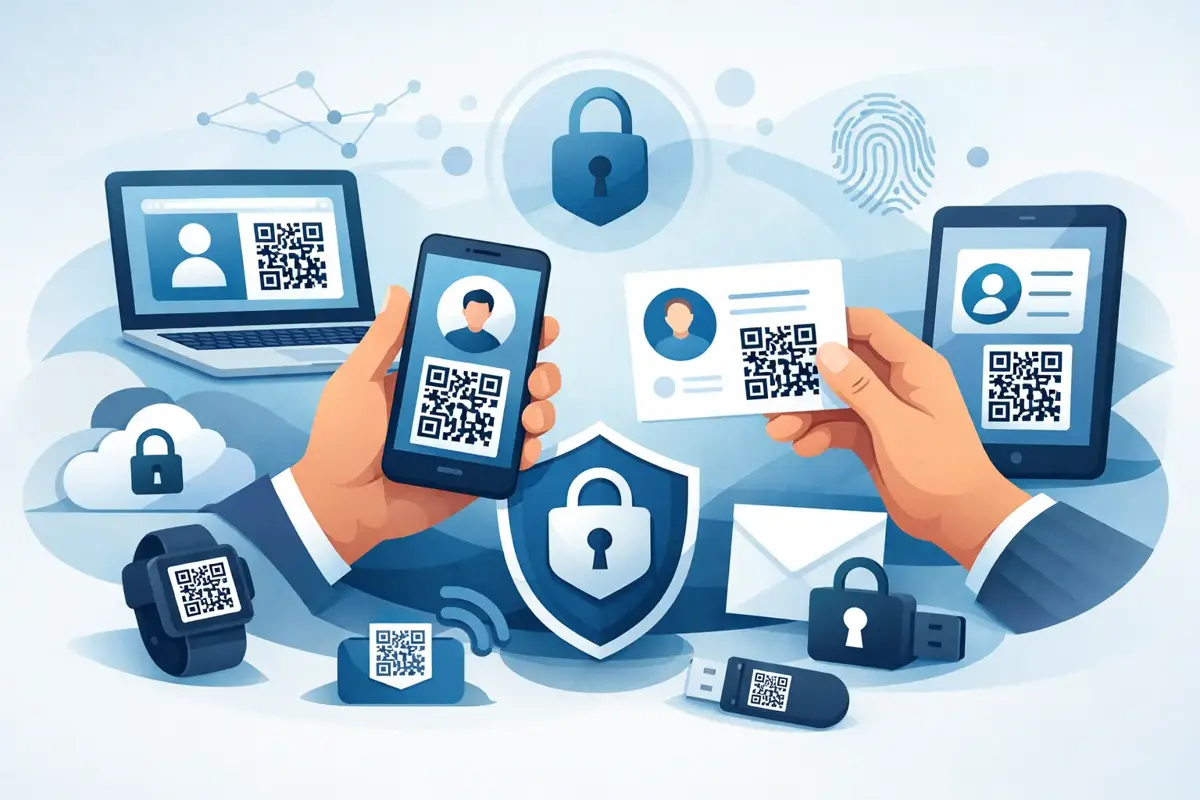
A phone number written on a helmet, school bag or set of keys can solve one problem while creating another. It may help a stranger reach you, but it also puts your private details in public view - available to anyone who walks past, takes a photo or chooses to misuse it. Secure contact sharing methods give people a way to help without handing over more personal information than the situation requires.
For Australian families, drivers, travellers and carers, the goal is simple: make sure the right person can be reached quickly when something goes wrong. The best method depends on where the tag or information will be used, who may need to scan it, and how much control you want over your details.
What makes contact sharing secure?
Secure contact sharing is not just about hiding a mobile number. It is about making contact possible without creating an open invitation for unwanted calls, messages or tracking. A good system should separate your private details from the information displayed in public.
It should also work under pressure. If a driver is injured, a pet has wandered from home, or luggage has been left at an airport, the finder should not need to download an app, create an account or work through confusing instructions. They need a clear next step and a fast way to reach someone who can act.
The strongest options combine privacy, speed and control. They let you update contact details when circumstances change, choose who receives a call, and remove or deactivate access if an item is sold, lost permanently or no longer in use.
7 secure contact sharing methods for everyday use
1. QR code tags with masked contact routing
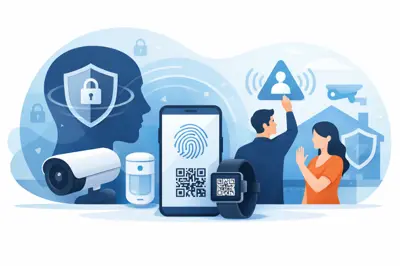
A QR code tag can be placed where it matters most: on a vehicle, helmet, keyring, wallet, bag, pet collar, luggage or home access point. When scanned with a mobile camera, it directs the finder to a contact page or contact-routing service rather than displaying your personal mobile number.
This is especially useful for public-facing items. A stranger can call or message you, or a nominated emergency contact, while your number stays private. ContactMeTag uses this approach to connect scanners with owners or emergency contacts without exposing private phone numbers.
The important distinction is between a static QR code and a managed QR contact system. A static code may simply reveal information that cannot be changed. A managed system lets you update contacts online, which matters after a new mobile number, a change in carers, or a family move.
2. A dedicated contact email address
A separate email address for recoveries, travel and public enquiries can provide a useful privacy buffer. You might add it to a luggage tag, a lost-property card in a wallet, or the inside cover of a child’s school bag.
The trade-off is speed. Email is useful when the matter is not urgent, but it is not ideal after a road incident or medical event where a phone call is needed immediately. It also relies on the finder taking the time to write a message and on you checking your inbox.
Use a dedicated email for lower-risk lost-and-found situations, not as your only emergency contact method.
3. A secondary mobile number
Some people keep a separate mobile number for marketplace sales, short-term travel, side businesses or public contact details. This protects their primary number and makes it easier to silence, filter or replace the secondary number if it attracts spam.
It can be practical, but it still leaves a live phone number visible. Anyone can copy it, share it or call at inconvenient times. If you use this method on a vehicle, gate or personal item, set clear call handling rules and check that voicemail gives enough information for a genuine finder to leave a message.
A secondary number works best where direct contact is useful but the item is not associated with a medical or safety emergency.
4. Digital business cards with limited fields
Digital business cards are a sensible choice for professional networking. You can share a name, work email, role and business website without offering a home address, personal social profiles or private mobile number.
For work, decide what a new contact genuinely needs. A supplier may need your work email and office number. They do not need the emergency contact details you would want on a motorcycle helmet or luggage tag.
Keep business contact sharing separate from family safety information. Mixing the two can expose details that have no place in a professional exchange.
5. Emergency contact cards kept inside personal items
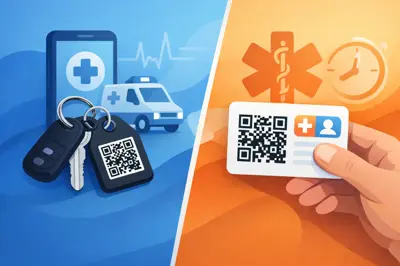
An emergency contact card inside a wallet, handbag, child’s bag or medical pouch remains useful because it works without battery power, mobile reception or a camera. It can include a first name, an emergency contact and critical information such as allergies, medication needs or communication requirements.
Its limitation is privacy. If the card is found or stolen, the details can be read by anyone who opens the item. Keep the information focused. Avoid adding full addresses, dates of birth, Medicare details, passwords or anything that could help someone impersonate you.
This method is strongest as a back-up. It gives responders something to work with if the item is damaged or a QR code cannot be scanned.
6. Family location and check-in tools
Location-sharing and check-in features can help families coordinate pickups, travel days and outdoor activities. They are useful when everyone has a charged mobile, data coverage and an agreed plan for when location sharing is turned on.
They are not a replacement for a visible emergency contact method. If a person is unconscious, their phone is flat, or they are separated from it, a finder cannot rely on a private family app. Location tools are for people already connected to you; QR tags and emergency cards help the person standing in front of the problem.
Set boundaries, particularly for teenagers and older relatives. Continuous location sharing can feel intrusive. Short-term sharing for a trip, a bushwalk or a late-night journey may be the better balance.
7. A nominated contact plan for high-risk situations
For children, people living with dementia, solo riders, travellers and anyone managing a medical condition, contact sharing should include more than one person. A nominated contact plan identifies who should be called first, who is available as a back-up, and what information they need to act quickly.
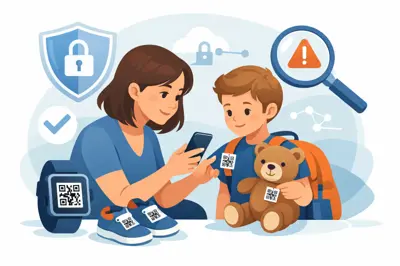
For example, a child’s bag tag might route a finder to a parent, then a second parent or trusted grandparent. A motorcyclist may nominate a partner and a close friend who knows their medical history. A holiday-home owner could add a local neighbour or property manager who can attend the address.
Review the plan every few months. An emergency contact who has changed jobs, moved interstate or rarely answers calls is not a dependable first option.
Where public contact details create the most risk
The more visible the item, the more cautious you should be. Vehicle stickers, letterboxes, pet collars, school bags and luggage move through public spaces every day. A printed number on these items can be photographed from a distance and kept long after the item has gone.
The same principle applies to social media posts. Posting a lost-item notice with your full mobile number may bring a quick response, but it can also attract scams. Where possible, use the platform’s messaging tools, a temporary contact channel, or a service that keeps your details masked.
Be particularly careful with children’s belongings. A child’s full name, school name, home address and parent’s mobile number should not appear together on the outside of a bag. Give a finder a way to start contact without giving strangers a profile of your family.
How to choose the right method
Start with the moment you are preparing for. If an item is lost, an email or masked message may be enough. If a rider cannot speak after a crash, immediate call routing to an emergency contact is far more suitable. If your dog gets out through an open gate, a scannable tag can help a neighbour contact you before the dog is taken to a vet or pound.
Then consider visibility, urgency and control. Public items need privacy protection. Urgent situations need a method that works in seconds. Any method used over time needs simple online updates, because stale contact details can be as unhelpful as no details at all.
Finally, test it. Scan the QR code yourself, call the displayed pathway, check the message settings and ask your nominated contacts whether they are still happy to be included. A safety plan only works when the people in it know their role.
The best contact-sharing method is the one that gives a helpful stranger confidence to act, while keeping your personal details where they belong: under your control. When you cannot speak, your contact information should still make the next step clear.